Chat & Messaging
Asynchronous collaboration
Organise asynchronous collaboration with clear requests, accessible outcomes, agreed response expectations and a route to live discussion.

Desk
Covers the day-to-day tools Australian teams use to talk, write and meet.
Chat & Messaging
Organise asynchronous collaboration with clear requests, accessible outcomes, agreed response expectations and a route to live discussion.
Meetings
Turn a whiteboard workshop into a clear decision record with agreed choices, owners, actions and open questions.
Chat & Messaging
Trace a real handoff to see whether the team needs better chat, document access, a decision record or a clearer way of working.
Meetings
Locate Teams, Google Meet and Zoom recordings, then check file ownership, viewer access and handover risks.
Meetings
Compare audio-first controls, reduced video and phone fallbacks in Teams, Google Meet and Zoom for participants with limited bandwidth.
Chat & Messaging
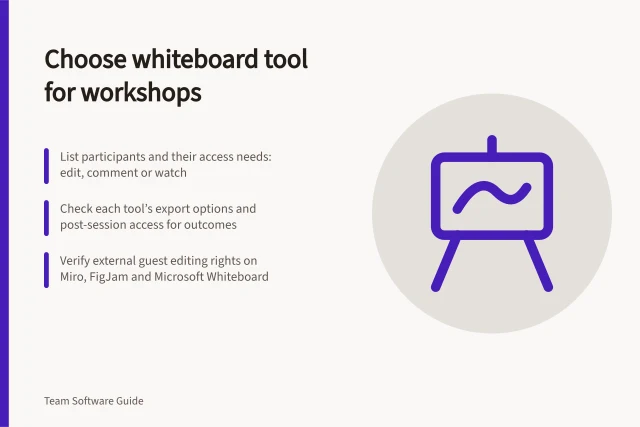
Compare Miro, FigJam and Microsoft Whiteboard against guest access, facilitation controls, plan limits and post-workshop access.
Shared Documents
Choose team collaboration software by tracing real work, setting essential requirements and checking complete workflows before rollout.
Chat & Messaging
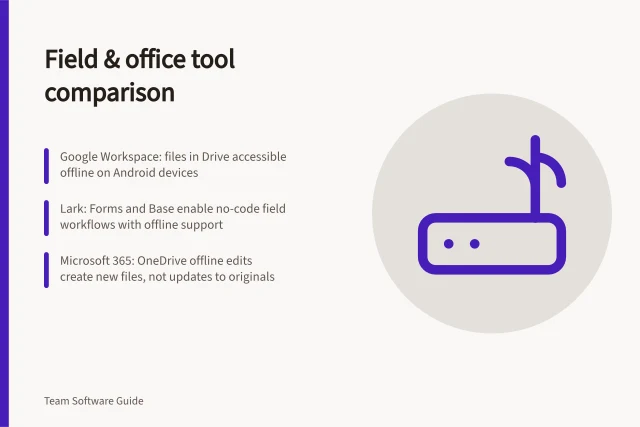
Select field-and-office tools by checking the full job round trip, mobile access, offline limits and the office's review route.
Chat & Messaging
Compare guest and shared-channel routes in Slack, Teams and Google Chat, including account, administrator and removal limits.
Shared Documents
Choose a collaborative document workflow by checking drafting, review, approval and recovery in the configuration your team will use.
Meetings
Check how employees and external guests join Teams, Google Meet and Zoom meetings under the settings you intend to use.
Shared Documents
Decide when contributors should edit together and when reviewers should propose changes for an owner to approve.
Meetings
Compare Outlook and Google Calendar for local-time display, shared availability, working hours and booking pages across time zones.
Chat & Messaging
Design chat alerts around action, source filtering, routing and ownership so responders can find what matters without repeat posts.
Shared Documents
Plan a careful cutover for duplicate chat and document spaces, including current work, file access, archives and verification.
Shared Documents
Build a handover the next shift can act on: current state, impact, work done, next action, owner and escalation route.
Meetings
Run a small collaboration software pilot with representative users, safe tasks, recorded plan settings and clear decision rules.
Meetings
Compare live captions, saved captions, transcripts and recording limits in Teams, Google Meet and Zoom.
Meetings
Plan access, narration, accessible board content and contribution routes so remote participants can take part in a visual workshop.
Chat & Messaging
Build a practical map of requests, discussions and outcomes across the places your team uses, then identify competing routes.
Meetings
Compare meeting tools by joining access, participation, captions, recording and weak-connection options before choosing a plan.
Chat & Messaging
Move suitable project conversations into shared channels with a clear audience, posting rule and handoff check.
Shared Documents
Set up clear starting instructions, ordered activities and readable labels so workshop participants can find their way around a whiteboard.
Meetings
Turn a reporting meeting into a written update with clear progress, blockers, owners, deadlines and a route for decisions.
Chat & Messaging
Check effective retention rules for channels, direct messages and external conversations across Slack, Teams and Google Chat.
Chat & Messaging
Agree when messages are read, how to set reply deadlines across working hours and which monitored route handles urgent work.
Chat & Messaging
Compare team messaging systems by channel audience, threads, search and access. See where Slack, Microsoft Teams and Google Chat may fit.
Chat & Messaging
Plan team chat integrations around useful alerts, decision handoffs, app access and retirement, with practical limits for Slack, Teams and Google Chat.
Shared Documents
Track proposals, comments, direct edits and approval separately so a multi-author document remains understandable.
Chat & Messaging
Confirm a chat decision, capture its rationale and approver, then move follow-up actions into a maintained task system.