Shared Documents
Choosing collaboration software for a team
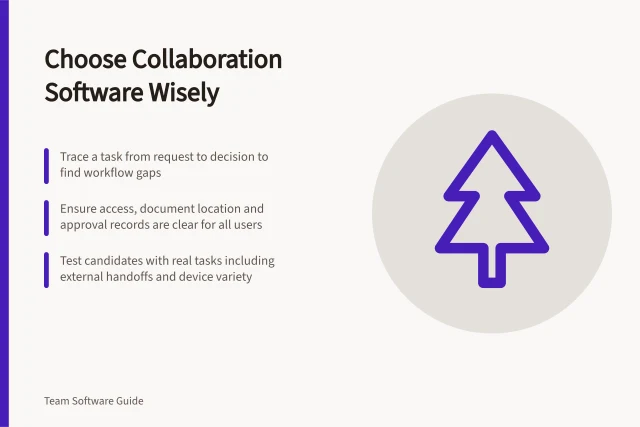
Choose team collaboration software by tracing real work, setting essential requirements and checking complete workflows before rollout.

Section
Shared Documents
Choose team collaboration software by tracing real work, setting essential requirements and checking complete workflows before rollout.
Shared Documents
Choose a collaborative document workflow by checking drafting, review, approval and recovery in the configuration your team will use.
Shared Documents
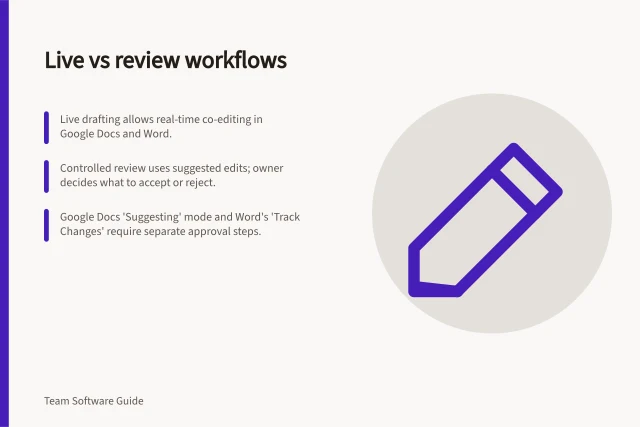
Decide when contributors should edit together and when reviewers should propose changes for an owner to approve.
Shared Documents
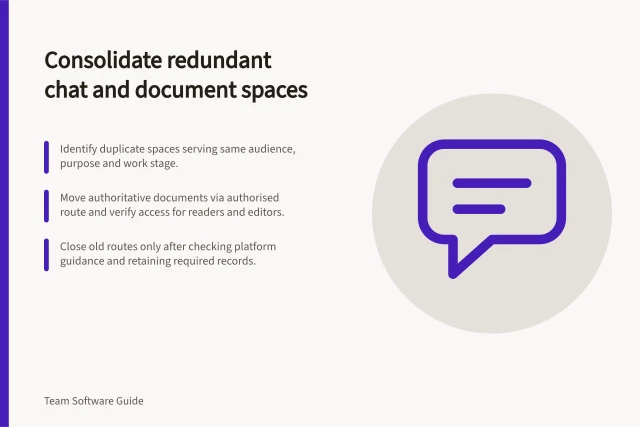
Plan a careful cutover for duplicate chat and document spaces, including current work, file access, archives and verification.
Shared Documents
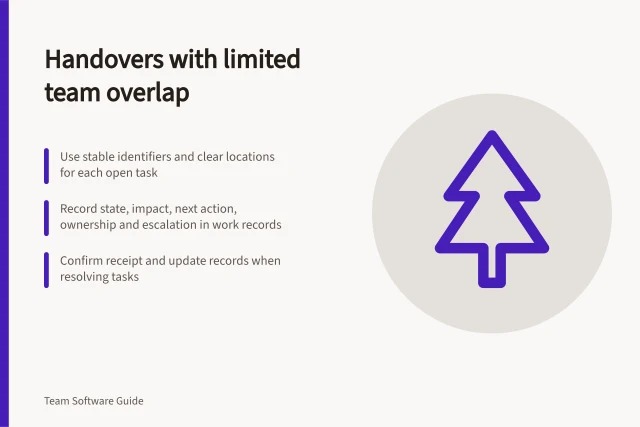
Build a handover the next shift can act on: current state, impact, work done, next action, owner and escalation route.
Shared Documents
Design shared folders around the tasks people perform and the access each task needs.
Shared Documents
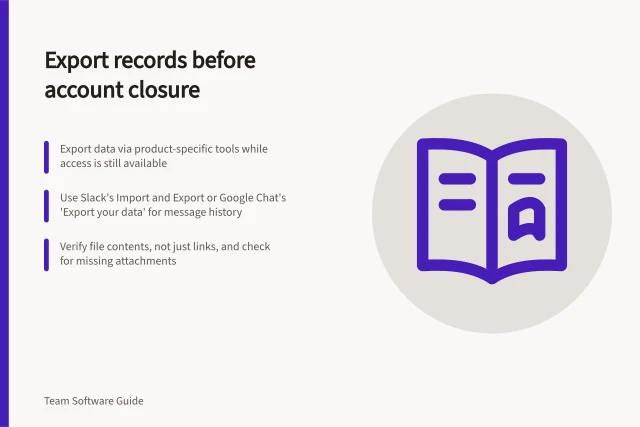
Plan account-closure exports across chat, files and knowledge tools, then verify scope and protect the copies.
Shared Documents
File sharing works when the team knows where the working copy lives, who may change it and how access ends.
Shared Documents
Set up clear starting instructions, ordered activities and readable labels so workshop participants can find their way around a whiteboard.
Shared Documents
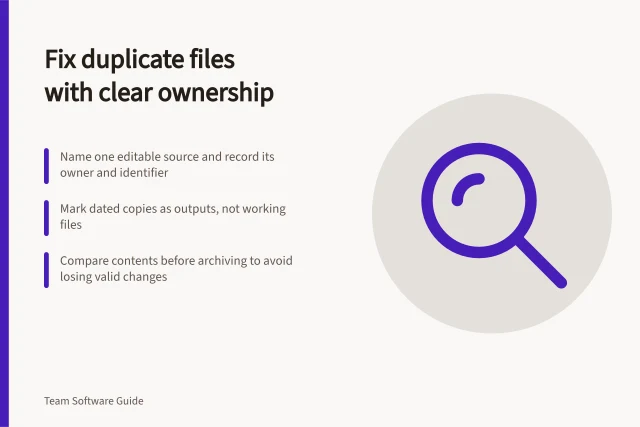
Prevent duplicate files by naming one authoritative working copy and making its owner easy to find.
Shared Documents
Track proposals, comments, direct edits and approval separately so a multi-author document remains understandable.