Meetings
Part of Asynchronous collaboration
Replacing a status meeting with an asynchronous update
Turn a reporting meeting into a written update with clear progress, blockers, owners, deadlines and a route for decisions.
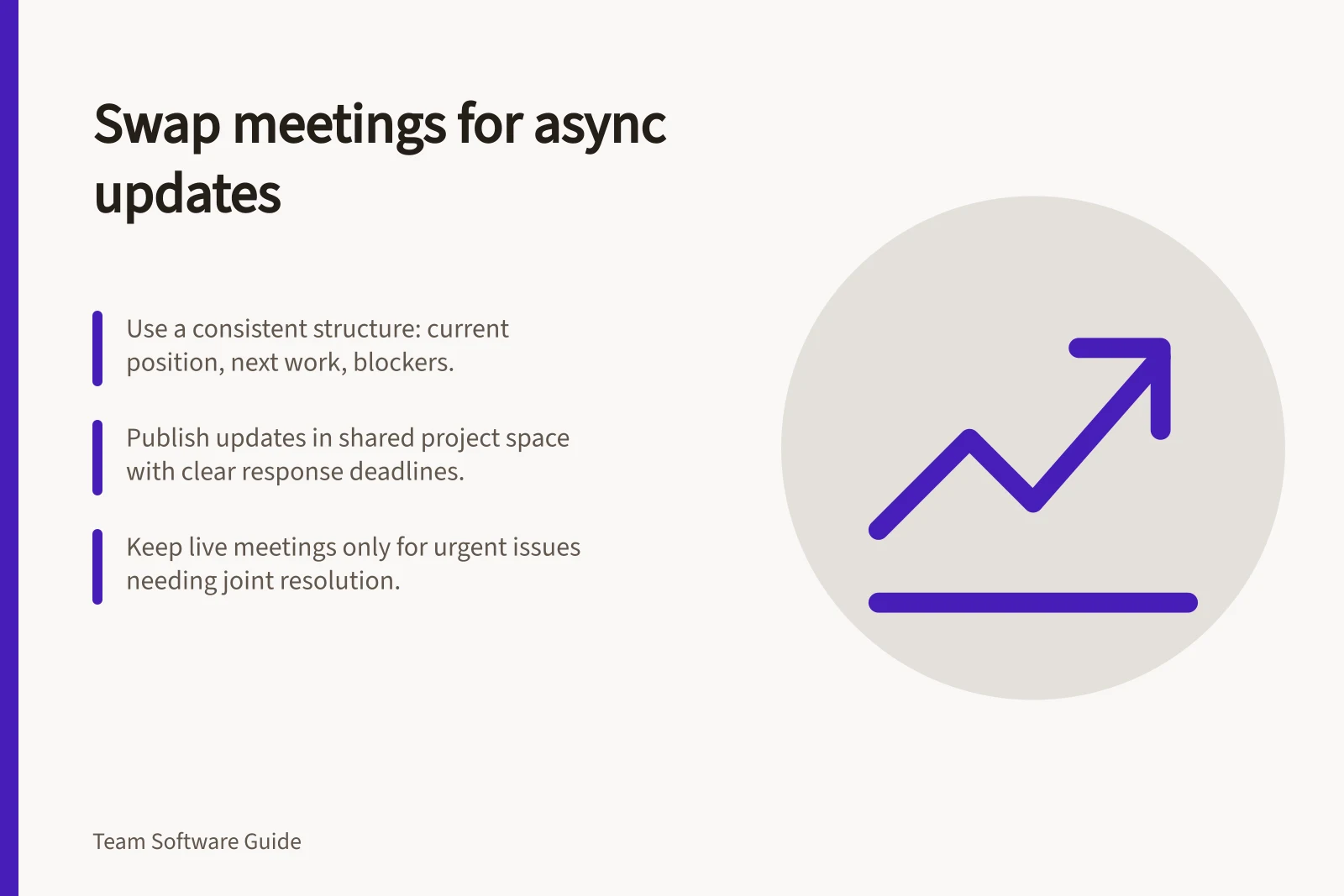
Replace a status meeting when its main job is to report progress and readers can respond later. Give the written update an owner, a predictable place and a route for blockers. Keep live time for issues people must resolve together before work can continue.
Check what the meeting achieves
Review recent agendas, notes or the questions people bring to the meeting. Separate information people merely heard from questions that needed discussion or a decision. If attendees mainly read out progress available elsewhere, a written update is a reasonable format to try. If the meeting regularly settles contested priorities, keep a live route for that work.
Identify the audience before cancelling the event. A manager may need the overall risk; a colleague doing the next task needs a specific handoff. Decide who prepares the update, who reads it and who is expected to respond.
Write an update people can act on
Use a compact structure each time:
- Current position:
- what changed and whether the work remains on course.
- Next work:
- what happens next, who owns it and any agreed timing.
- Blockers or risks:
- what is affected, who can help and when an answer is needed.
- Decisions needed:
- the question, decision maker and input deadline.
- Context:
- where readers can inspect the current task or working material.
For example, state what is waiting, name the estimate owner and give the expected timing. Make clear if the delivery date remains unconfirmed until the client accepts the estimate. That tells readers more than “review in progress”.
Keep the headline brief and link it to the relevant working record. State uncertainty plainly; a reassuring status label should not conceal a blocker.
Key elements for an effective asynchronous update
- Current positionWhat changed? Is work on track?
- Next workWhat happens next? Who owns it? When?
- Blockers or risksWhat’s affected? Who can help? Deadline for resolution?
- Decisions neededQuestion, decision maker, input deadline
- ContextLink to working record or task details
Make replies manageable
Publish in the team's existing project record or agreed update space at a cadence that suits the work. Ask people to reply beside the item concerned so its owner can resolve the question without reconstructing private conversations.
For each requested response, name the person and deadline. Allow for working hours and time zones. Agree what the update owner will do if no answer arrives: proceed, pause or escalate. Silence is not approval unless the team has explicitly agreed that rule for the particular decision.
Keep a route to live discussion
If a blocker needs immediate joint diagnosis, bring the necessary people together around one question. Add the outcome and new actions to the project record afterwards so others can see what changed.
Try the format for an agreed period. Ask readers to locate the current status, next owner and unresolved question, and check whether contributors received answers in time. Adjust the format or cadence based on what they find.
Pros and cons of asynchronous updates vs. live status meetings
- Pros of asynchronous updatesSaves time, supports remote teams across time zones, improves documentation, enables focused responses.
- Cons of asynchronous updatesMay delay urgent issue resolution; risk of unclear communication without real-time feedback.