Chat & Messaging
Part of Asynchronous collaboration
Setting response expectations for distributed teams
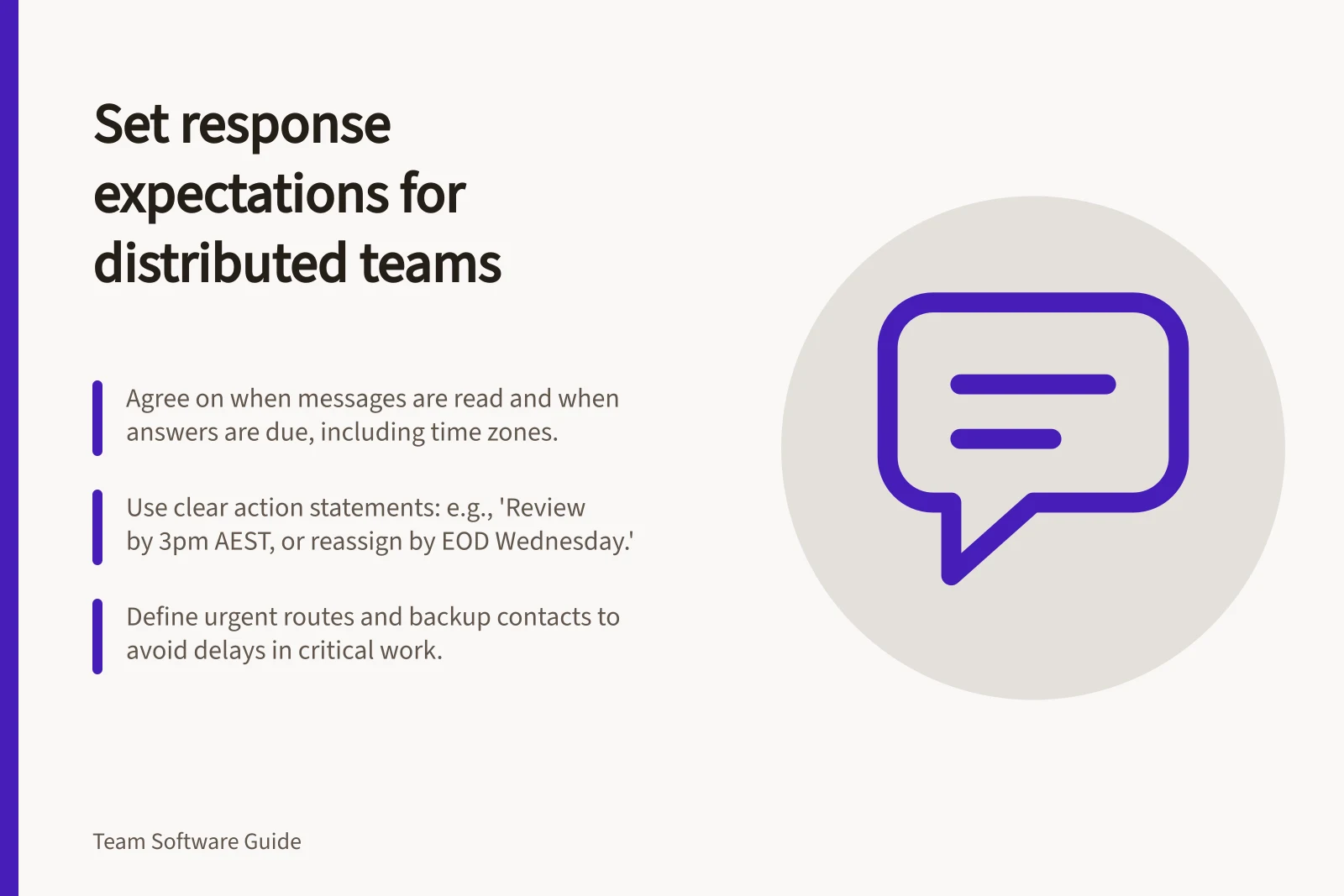
Agree when messages are read, how to set reply deadlines across working hours and which monitored route handles urgent work.
Set response expectations by agreeing when messages are normally read, when a requested answer is due, and what to do if a matter cannot wait. Write the agreement for people working different hours. “Message me anytime” does not tell a colleague whether they must answer that night.
Key Principles for Distributed Teams
- Agree on response times
- Across different working hours
- Clarify expected actions
- In every message, not just mentions
- Use defined channels
- With clear purposes and ownership
- Track working windows
- In a shared, accessible place
Separate a read from a response
A routine update may need no reply. A request may need an acknowledgement so the sender knows someone owns it. A decision request needs an answer or a clear next step by a stated time. State the expected action in the message; do not rely on a mention or an urgent-sounding subject line.
For example: “Please review the draft's payment section by [date and time zone]. If you cannot review it, tell me the previous working day so I can reassign it.” For a real request, check that the recipient's working hours leave enough time to respond.
Agree on channels and working windows
List the team's actual channels and give each a purpose. A project record might hold requests that need a traceable answer, an update space might carry routine news, and a designated urgent route might reach the person responsible at that time. These are possible conventions; notification behaviour depends on the chosen tools and settings.
Keep usual working windows and planned absences in an agreed place. A sender can post at a convenient hour without expecting the recipient to work then. Where appropriate, express response targets in working time and give deadlines a date and time zone. An online indicator alone does not establish availability.
| Message type | State in the message | Team agreement needed |
|---|---|---|
| Information only | What changed and where the current record is | When people normally review updates |
| Action request | Owner, task and due time | How to acknowledge or reassign work |
| Decision request | Question, decision maker and input deadline | What happens if input is missing |
| Urgent issue | Impact and immediate action needed | Monitored route and backup |
Make escalation usable
Define what qualifies as urgent in the team's work. Name who monitors the urgent route during each working window, who covers absences, and what senders should do if the first contact cannot be reached. Keep that information available to everyone who may need it.
Reserve the urgent label for work that genuinely needs immediate attention. After an urgent exchange, place the resulting action or decision in the normal work record so colleagues outside that window can catch up.
Review the agreement
Show a new colleague sample messages and ask what each requires and by when. Ask someone in another working window whether deadlines are workable. Review missed requests and unnecessary interruptions, then change the channel rule, deadline wording or backup route that caused confusion.