Tool Overload
Collaboration data security and retention
Map collaboration records, check retention and access controls, and plan recovery and disposal across conversations, files and recordings.
Protect collaboration data by deciding what each record is for, who can reach it, how long it is needed and how it could be recovered. Apply this to conversations, files, recordings and knowledge pages separately. A chat retention setting does not necessarily govern a file shared in that chat.
Map the records
Follow a routine project from its first message to its approved outcome. List where information is created or copied: channels, direct messages, working documents, recordings, transcripts, knowledge pages, exports and backups. Name an owner for each location.
| Question | Decision to record |
|---|---|
| Why keep it? | Its operational, recordkeeping or other applicable purpose. |
| Who needs it? | Intended readers, editors and administrators, including external people. |
| When does that need end? | A review trigger or retention rule, subject to applicable exceptions. |
| How would it be recovered? | The available route, responsible person and way to check the result. |
Keep approved outcomes in a maintained record that people can find without reconstructing a conversation. Review account access, sharing and administrator privileges alongside retention. A restricted chat does not make separately shared files private.
Separate visibility, retention and recovery
A message can disappear from a user's view while a compliance copy remains. Microsoft says a Teams retention policy may preserve an edited or deleted message for eDiscovery after it is no longer visible in Teams. Google Chat auto-deletion and Google Vault retention can also leave different user and administrator views. Check both before telling staff that a deleted conversation is gone.
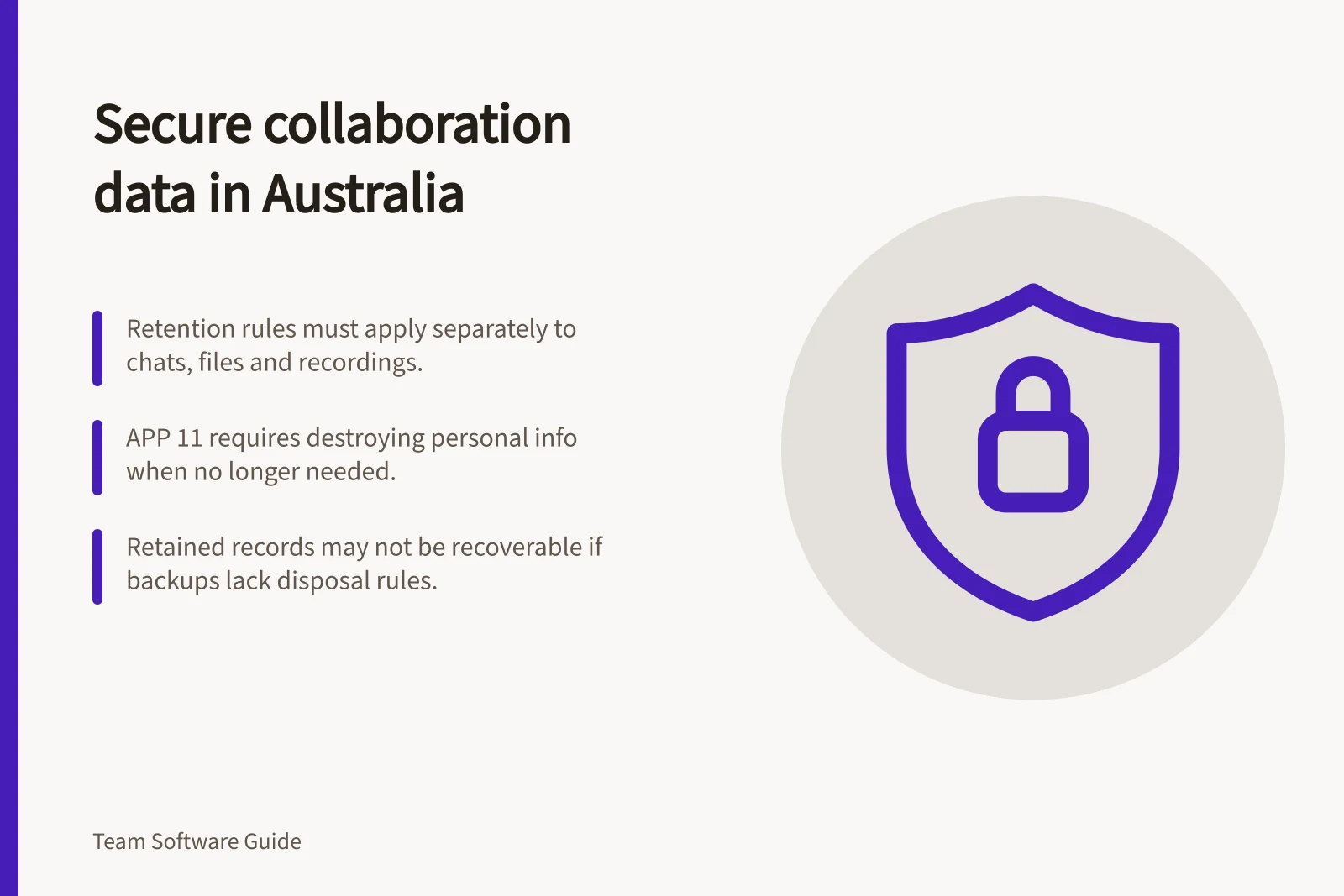
Retention differs from backup. A retained record may serve search or compliance needs. It may lack a practical way to restore damaged knowledge. A backup also needs a disposal rule.
For organisations covered by the Australian Privacy Principles, APP 11 requires reasonable steps to protect personal information an APP entity holds. When that information is no longer needed for a permitted purpose, APP 11 requires reasonable steps to destroy or de-identify it. This applies to information the entity possesses or controls.
The disposal requirement has exceptions for Commonwealth records and information that Australian law or a court or tribunal order requires the entity to retain. Reasonable steps include technical and organisational measures. Consider archived and backup copies in disposal decisions.
Steps to Ensure Compliance with APP 11 – Security of Personal Information
- Step 1Identify personal information held or controlled by the entity
- Step 2Implement reasonable technical and organisational measures to protect it
- Step 3Determine when information is no longer needed for a permitted purpose
- Step 4Apply reasonable steps to destroy or de-identify the information
- Step 5Document exceptions (e.g., Commonwealth records, court orders)
Compliance Requirements Under Australian Privacy Principles (APP 11)
- Requirement
- Reasonable steps to protect personal information
- Disposal Obligation
- Destroy or de-identify information when no longer needed
- Exceptions
- Commonwealth records, legal or court-ordered retention
- Scope
- Applies to information possessed or controlled by an APP entity
- Measures
- Technical and organisational controls required
Compare controls in the proposed setup
Slack: Check the workspace's retention settings and export options for the proposed setup. Confirm what data is covered and how any needed files would be collected before closure.
Microsoft 365 with Teams: Message policies can cover chats and channel messages. Check the licence, policy scope, file location and recovery route for each workload. Meeting recordings generally go to the organiser's OneDrive, while channel meeting recordings go to the team's SharePoint site.
Google Workspace: Chat auto-deletion is available on listed editions, applies to messages sent with history on and can be set by conversation type. Vault retention or a hold may preserve covered messages after they leave the conversation. Externally owned spaces and history-off messages need particular attention. Check the edition, history state, Vault rules and Drive access together.
Ask an administrator to show the proposed configuration for a safe conversation, file and recording.
Define what each retention rule covers
Microsoft says Teams retention periods start when a message is created, and policies can apply across an organisation or to specific users and teams. Teams retention labels are not supported, so confirm that the intended message locations are in policy scope.
Google Chat auto-deletion can be set separately for direct messages, group messages and spaces. It applies only to messages sent while history is on. For conversations with external organisations, the creator’s policy governs deletion. A conversation created externally does not follow your organisation’s deletion policy.
Google Vault can retain covered Chat messages and their attachments, but not linked files. Its coverage excludes messages sent with history off and messages in external Chat spaces. A retained conversation should not be treated as proof that every associated item is retained.
Microsoft 365 Teams Retention Policies
- Policy ScopeCan apply across organisation or to specific users and teams; does not support retention labels
- Recording StorageMeeting recordings stored in organiser's OneDrive or team's SharePoint site
- Visibility vs. ComplianceDeleted messages may still be preserved for eDiscovery under retention policies
- Recovery RouteRequires administrative access; supported through Microsoft Purview or compliance exports
Keep the lifecycle workable
Review the decisions when a project type, contract, account owner or legal requirement changes. Check access to exports and backups as well as to the original workspace. An exported copy is another location to protect and eventually dispose of.
For important knowledge, plan a recovery check. Decide which pages and attachments matter, how recent a recoverable copy must be and who can restore it if the main account is unavailable.
Keep a short record of each data type, owner, applicable setting, exception, recovery route and last review date. Mark anything the administrator cannot verify as open.
When removing a live workspace record, verify which retained copies or backups remain.
Key Steps for Collaboration Data Lifecycle Management
- Map all record locationsInclude channels, DMs, documents, recordings, transcripts, knowledge pages, exports and backups
- Assign ownershipDesignate a responsible person for each location
- Define retention periodsAlign with operational needs, legal obligations and APP 11 requirements
- Verify recovery routesConfirm how data can be restored from backups or exports
- Review disposal decisionsInclude archived and backup copies in disposal planning
In this guide
- Reviewing retention settings for business conversationsCheck effective retention rules for channels, direct messages and external conversations across Slack, Teams and Google Chat.
- Checking where Teams/Meet/Zoom meeting recordings are storedLocate Teams, Google Meet and Zoom recordings, then check file ownership, viewer access and handover risks.
- Planning backups for shared team knowledgeDefine what team knowledge must be recoverable, inspect export limits and check a safe recovery route.
- Exporting collaboration records during an account closurePlan account-closure exports across chat, files and knowledge tools, then verify scope and protect the copies.