Tool Overload
Collaboration software costs
Budget collaboration software across paid seats, contract terms, external access, storage and operating work, then compare full-period costs.
Budget for collaboration software by pricing the access people need over the period you must pay for it. A per-user rate is only a starting point. Compare the cost of supporting the same work, for the same people, over the same period, including subscriptions, necessary extras, transition and administration.
Build a cost baseline
List current subscriptions, renewal dates, committed and assigned seats, billing terms, currency and tax treatment. Include tools bought by individual teams. Group people by what they do: create or edit work, review it, attend meetings, administer a service or collaborate for a limited project. Allow for staffing changes and periods when outgoing and incoming workers overlap.
| Cost line | What to establish |
|---|---|
| Base subscriptions | Who needs a paid account, and for which billable period? |
| Higher tiers | Which people need a feature absent from a lower tier? |
| External access | Which guest or participant routes support the required work, and how are they billed? |
| Storage and recordings | Which allowance applies to each service, and what happens when use exceeds it? |
| Other services | Are required calling, administration or other capabilities charged separately? |
| Transition and operation | What staff time will migration, support and account management require? |
Estimate transition and administration work separately from vendor charges. Record the expected hours or cost for the same decision period.
For every cost line, capture quantity, unit rate, billing interval, currency, GST treatment and the dates it applies. Separate recurring charges from one-off transition or administration costs, and use the same full-period dates throughout.
Key Collaboration Software Cost Factors for Australian Businesses
- GST Treatment
- Ex-GST (Microsoft), GST-inclusive (Telstra)
- Storage Allowance (Zoom Pro)
- 10 GB per licensed user
- Guest Access Cost (Slack)
- Varies by role; check current terms
- Google Workspace Pricing (en-AU)
- Prices in GBP; no AUD conversion provided
Building a Practical Collaboration Software Budget
- List all current subscriptions and renewal datesInclude team-specific tools and billing terms
- Group users by work roleCreate, review, attend meetings, administer, collaborate on projects
- Identify required tiers and extrasHigher tiers, external access, storage, calling, admin tools
- Estimate transition and administration effortRecord expected hours or cost for migration and support
- Calculate full-period committed costsUse consistent start/end dates and separate recurring from one-off costs
Check what the subscription covers
A business subscription is a recurring charge, and the apps and services included depend on the product purchased. Record the product name and its included services alongside the charge so the worksheet does not treat a product name as a complete description of what the payment covers.
Microsoft gives Microsoft 365 Business Standard and a separate Visio subscription as an example of assigning different subscriptions to different people. If a separately subscribed product is needed, show it as its own cost line and include it only for the period it is required.
Compare the payable period
For each candidate, calculate committed subscription charges for the decision period. Add expected seat changes and necessary extras, using that supplier’s billing rules. Subtract only subscriptions the team can actually end. A contract already paid through renewal is not an immediate saving.
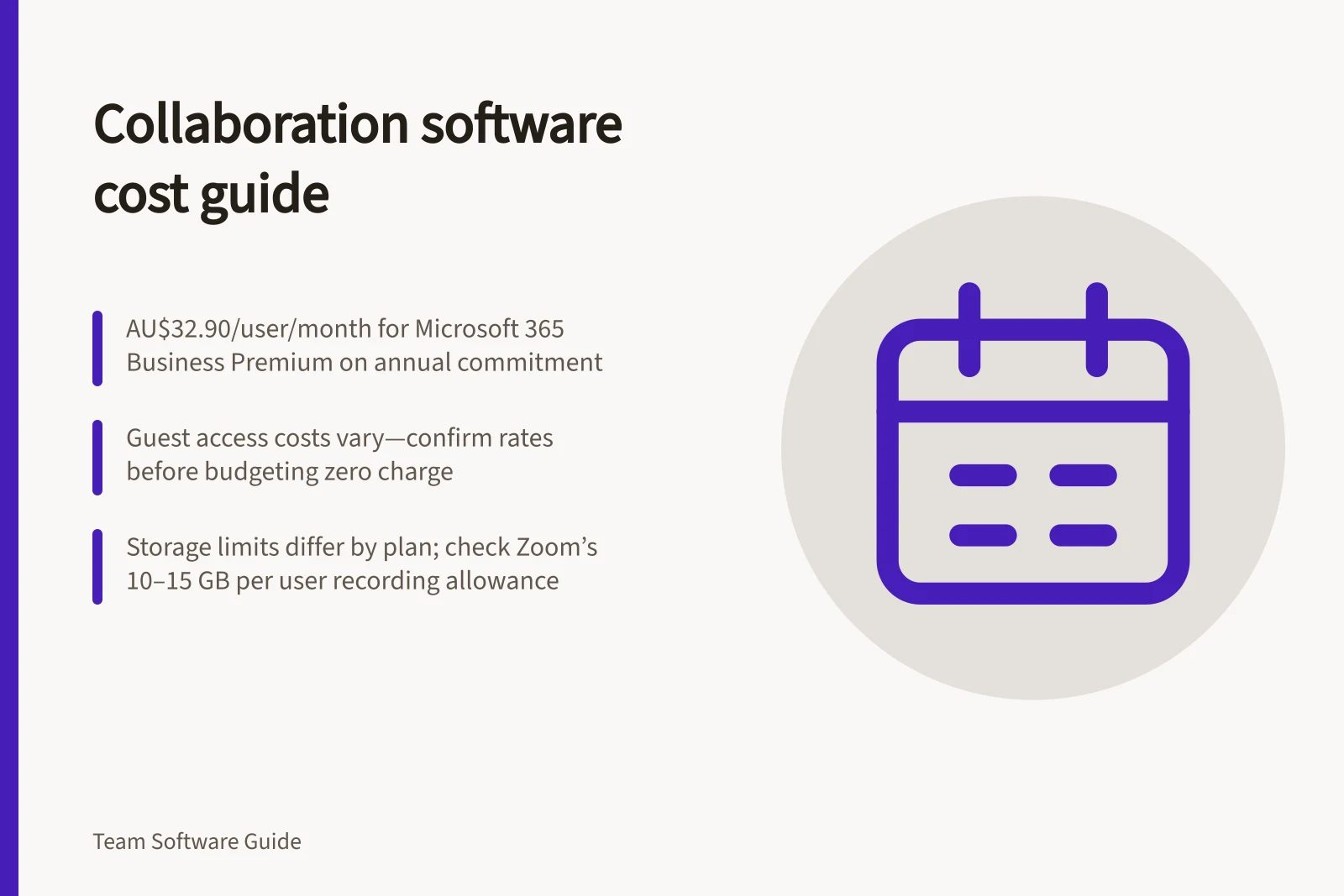
An Australian Microsoft 365 price listing dated August 2026 gives Business Basic at AU$9.00 per user/month on annual commitment or AU$10.80 month-to-month; Business Standard at AU$18.70 or AU$22.44; and Business Premium at AU$32.90 or AU$39.48. The listed Microsoft prices are ex-GST.
Telstra lists Business Premium at AU$38.01 per user/month GST-inclusive on a 12-month term. Keep that reseller amount distinct from Microsoft’s ex-GST annual-commitment price when comparing payable costs.
At 50 users over 12 months, Business Premium at AU$32.90 per user/month on annual commitment gives AU$19,740 ex-GST (50 × 12 × AU$32.90) in licence charges. This is the licensing subtotal, not a total including extras or operating work.
Check Australian checkout amounts or written quotes. Google’s en-AU pricing page displays amounts in £GBP and says prices do not include tax. From 15 January 2027, it lists Starter at £5.90, Standard at £11.80 and Plus at £18.40 per user/month; promotional rates shown for 15 October 2026–15 January 2027 are £2.95, £8.26 and £12.88 respectively. No AUD conversion is provided, so use an Australian checkout amount or written quote rather than entering a converted list price.
Before signing or renewing, ask whether the term auto-renews, what notice deadline applies, and whether a price uplift applies and when. Put any confirmed uplift and the payable renewal period into the worksheet; do not assume terms the quote or contract does not state.
A worksheet should show committed subscription charges + expected additions + required extras + transition and administration − subscriptions that can be retired. Keep any unquoted amount marked as an estimate. Use one consistent start and end date for every line, and distinguish the calculated subtotal from unquoted costs.
Top Collaboration Tools in Australia (2023)
- Microsoft 365Most widely adopted by SMEs and enterprises
- Google WorkspacePopular for teams needing cloud-based email and file sharing
- SlackFavoured for team communication and integrations
- ZoomLeading for video meetings and recording storage
Check included entitlements
For Microsoft 365 Apps for business, Apps for enterprise, Business Standard, Business Premium, and the listed A3, A5, E3 and E5 plans, check the installation allowance. Each person can install the included apps on up to five PCs or Macs, five tablets and five phones. Use this allowance to check the assumptions behind a proposed subscription count.
Microsoft says resource, room and shared mailboxes do not need assigned licences unless they exceed a storage quota of 50 GB. Identify these mailbox types separately from user accounts when checking which subscription charges relate to people.
Resolve the costs that may change the choice
Check whether different roles can use different licences under the proposed purchase. Microsoft documents assigning licences from different subscriptions to different people. Google documents changing a user between editions when multiple subscriptions for the service are available. Neither statement establishes that a particular customer can buy a proposed mix or reduce a commitment immediately.
Price external collaboration by the route people will use. Check the supplier’s current terms for the relevant guest role and access limits; do not assume a visitor or guest is included at no extra charge. Ask for the guest rate or written confirmation that it is included before assigning a cost of zero.
Keep storage meters separate: a personal drive, shared site and meeting-recording pool may have different allowances. Zoom lists meeting-recording capacity of 10 GB per licensed user for Pro, Pro Plus and Business, 15 GB for Business Plus, and unlimited for Enterprise and Enterprise Plus; Zoom Phone voicemail and recording storage is unlimited for these listed plans. Capacity is not an overage price, so confirm any charge before budgeting it.
Prepare a normal-use and busy-period estimate. Show the people in each access category, why any higher tier is needed, expected storage use and when old subscriptions can end. Ask the administrator to confirm the intended access and the buyer to confirm payable terms. Choose between workable options using the full-period cost and the effort required to maintain them.
In this guide
- Identifying paid seats that do not need premium featuresAudit premium collaboration seats by required task, licence rights and contract timing before counting a downgrade as a saving.
- Reviewing storage and recording charges by meterSeparate pooled storage, shared-site capacity and cloud recordings, then forecast usage and confirm the applicable add-on or overage price.