Tool Overload
Part of Choosing collaboration software for a team
Comparing an all-in-one workspace with separate tools
Compare workspace suites with separate collaboration tools using real handoffs, provider plan limits and the work needed to maintain each setup.
Compare a workspace suite with separate tools by running the same task through each proposed setup. Check where people look for the working file, which accounts and permissions they need, and who maintains the route. A single subscription can contain several file locations; separate products can work when each has a clear job.
Define the approaches
Here, a workspace suite supplies the team's main messaging, meeting and document tools under one subscription. Separate tools means selecting components independently, such as chat or meetings alongside an existing document system. Many teams use a hybrid. Compare the setup the team would actually buy and administer.
Use one example throughout: a lead starts a request, colleagues edit a brief, an external reviewer comments, the group discusses a change and an absent colleague later finds the approved version. Compare whether each setup gives those people appropriate access and a clear record.
Check what each candidate contributes
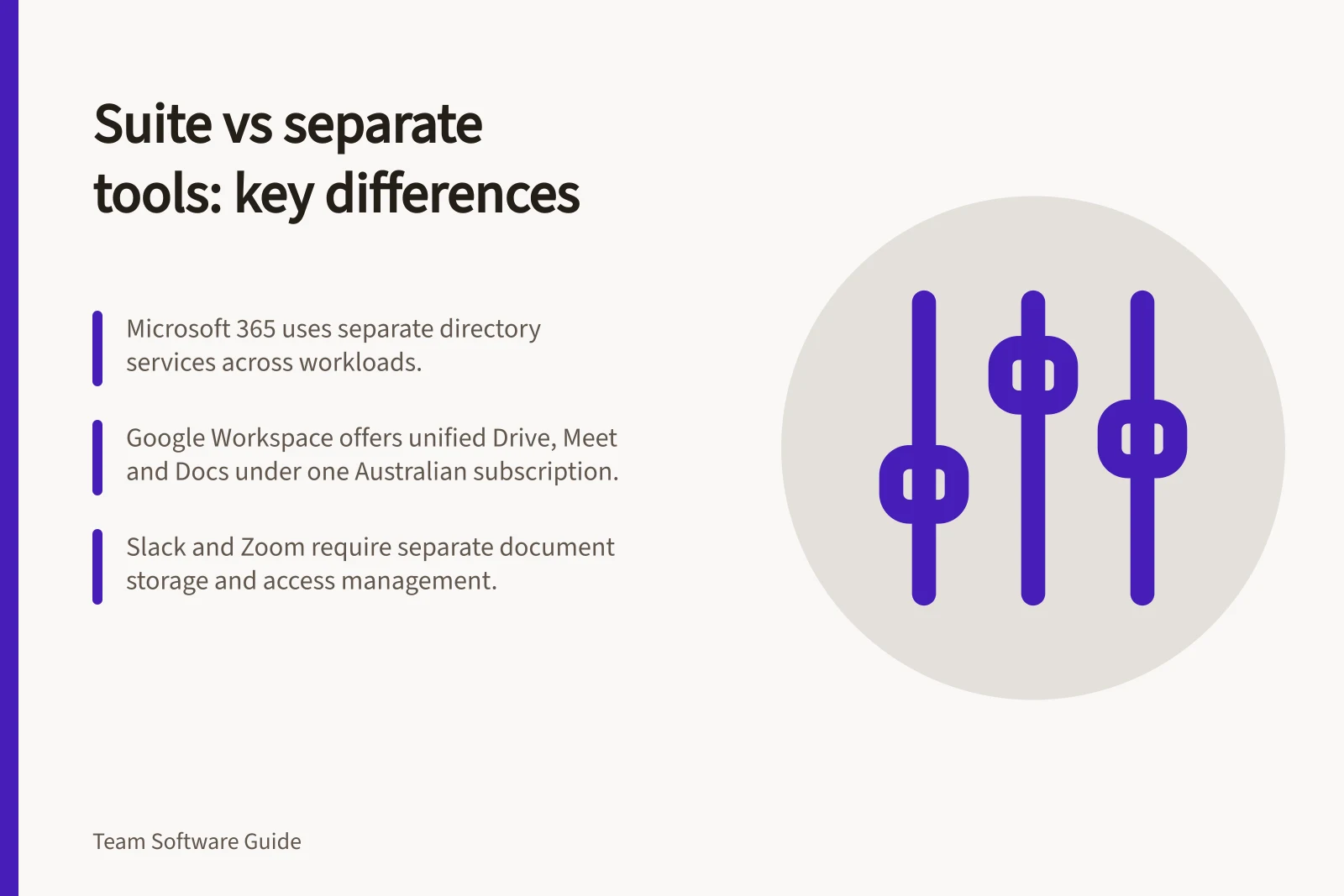
Microsoft 365. Microsoft describes a highly complex data model in which workloads have their own directory services infrastructure, with no single source of directory data. Check how the specific services in a proposed setup handle the team's files, access and handoffs.
Google Workspace. Google describes Workspace as a single, easy-to-manage subscription that includes Meet, Chat, Drive and Docs, among other tools. Its Australian business page also refers to expanded Drive storage and shared drives. Check the available features and configuration for the specific plan if storage or recording is essential.
Slack as a messaging component. Check the current features and limitations of the Slack plan under consideration. The team still needs to decide where approved documents and the project record should live.
Zoom as a meeting component. Check the current features and limitations of the Zoom meeting option under consideration, including whether it suits the team's reviews or workshops. The team still needs to decide where the working file and outcome live.
Feature Availability by Platform (Australia)
- Microsoft 365 – Data Isolation
- Workloads have separate directory services; no single source of directory data
- Google Workspace – Shared Drives
- Expanded Drive storage and shared drives available in Australian business plans
- Slack – Free Plan Limitations
- Limited features; check plan-specific restrictions for enterprise use
- Zoom – Free Meeting Recording
- Free video meetings allow recording, but with limitations on duration and storage
- Google Meet – Recording Support
- Meetings can be recorded; check regional availability and retention policies
Compare the whole route
| Decision point | Suite question | Separate-tools question |
|---|---|---|
| Handoff | Can people move from conversation to the right working copy? | Does each message lead to the authoritative document? |
| External review | Does the proposed configuration give the reviewer suitable access? | Who grants and later removes access in each system? |
| Decision record | Where can an absent person find the approved wording? | Which system owns that record? |
| Administration | Who manages accounts and settings across the apps? | Who owns subscriptions, connections and support? |
| Cost | Which included capabilities will be used? | What do the necessary plans and upkeep cost together? |
Prefer a suite when several handoffs need improvement and its intended plan supports the full route. Separate components can make sense when one capability needs improvement and existing systems have clear ownership.
Have representative users try the same safe task in each shortlisted configuration, then record any plan limits, permission surprises and administration work before deciding.