Roles & Access
Collaboration software permissions
Collaboration tools make work visible, but the wrong role can expose a conversation, let someone change settings or leave a contractor with access after a project …
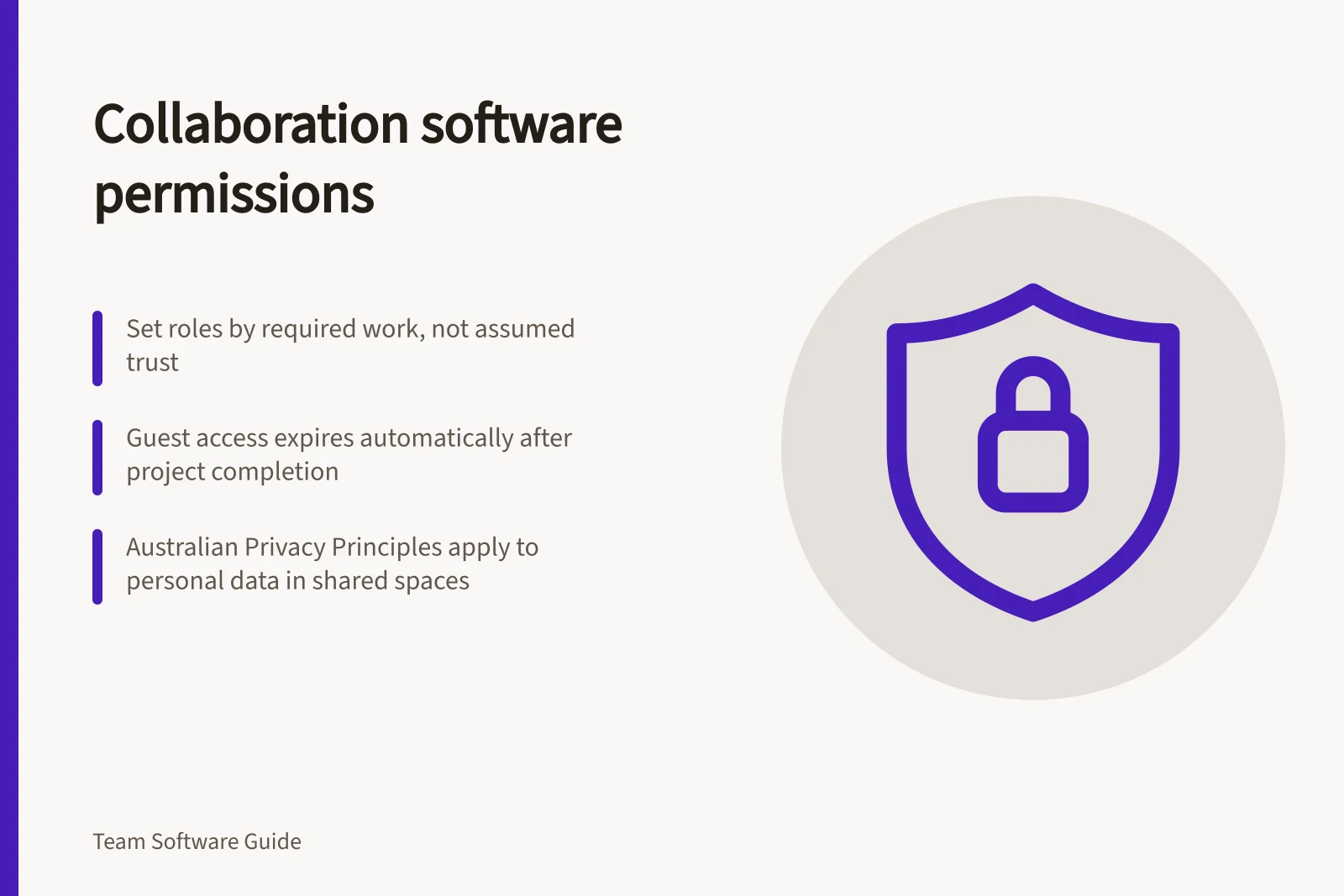
Collaboration tools make work visible, but the wrong role can expose a conversation, let someone change settings or leave a contractor with access after a project ends. Set permissions by the work people need to do and review them as responsibilities change.
Map the access layers
Separate organisation administration, workspace or team membership, channel or space membership, and permissions on shared files. A person may belong to a team without belonging to a private channel; a guest may still see files in channels they can access.
| Role | Typical decision to test |
|---|---|
| Administrator | Who may change policies, invitations and retention settings? |
| Team owner | Who may add members and manage team structure? |
| Member | Which spaces can they create or join by default? |
| Guest | Which channels and files are visible, and when does access expire? |
For each access layer, identify the setting that governs the action in question and check whether another service also controls it. A conversation may link to a document stored in another service, so check that file’s sharing settings as well as the channel membership.
Compare the product’s boundaries
Slack. Slack’s permission model is role-based and includes controls for workspace management, members and channels. Match the role’s documented permissions to the tasks required, rather than granting workspace-management access for channel-level work.
Microsoft Teams. Guest access involves Teams and Microsoft Entra ID; guests may also be added through Microsoft Entra B2B, Microsoft 365 Groups or SharePoint. Private-channel membership is narrower than parent-team membership.
In a demonstration, use an employee, a contractor and a team owner. Have each attempt to find a private conversation, open an attached file and invite someone else.
Microsoft Teams guest access is subject to Microsoft Entra ID and Microsoft 365 service limits. The platform also distinguishes guest access from external access: external access is intended for finding, calling, chatting and setting up meetings with people in other Microsoft 365 organisations.
When reviewing a Teams permission, note whether the relevant control is in Teams, Microsoft Entra ID, Microsoft 365 Groups or SharePoint. Check the Teams admin centre for guest access and the Microsoft Entra admin centre for the guest account and its conditional access policies.
Slack vs Microsoft Teams: Permission Model Differences
- Access Control Model
- Role-based (Slack), Multi-layered (Teams)
- Guest Access Management
- Slack: Workspace-level; Teams: Microsoft Entra ID & M365 Groups
- Private Channel Access
- Separate from team membership (Teams); no equivalent in Slack
- File Sharing Integration
- Linked to external services (e.g. Google Drive, SharePoint); requires cross-checking
Verify the effective controls
For Microsoft Entra B2B collaboration, conditional access and multifactor authentication policies can be enforced at organisation, app or individual-user level. Confirm which level applies to the account and application being assessed, and test the resulting access rather than relying on a policy name or a displayed label.
Teams guest accounts are covered by the same compliance and auditing protection as other Microsoft 365 users. Include that account in the organisation’s access checks, and verify that the intended compliance and authentication controls apply to it.
Include privacy in permission decisions
If collaboration spaces contain personal information, assess access against the information-handling responsibilities that apply to your organisation. The Australian Privacy Principles govern collection, use and disclosure, as well as governance and accountability, integrity and correction, and individual access rights for organisations and agencies covered by the Privacy Act 1988.
The OAIC describes the Australian Privacy Principles as principles-based and technology-neutral. When assessing a software permission, consider the information and business practice involved, rather than treating a product label or platform setting as proof that access is appropriate.
A breach of an Australian Privacy Principle is an interference with an individual’s privacy and can lead to regulatory action and penalties. Keep permission decisions explainable by recording the purpose of access and the relevant information-handling considerations.
Australian Privacy Principle Compliance Considerations
- Applicable Legislation
- Privacy Act 1988 (Cth)
- Key Principles
- Collection, use, disclosure, governance, integrity, correction, access rights
- Compliance Requirement
- Record purpose of access and information-handling considerations
Design for changes
Record an owner for every restricted space and a review date for external access. When someone changes teams, review and update their access. On departure, follow the organisation’s identity-offboarding process and confirm access has actually ended.
In this guide
- Choosing guest access rules for contractorsA contractor needs access to the project’s current work, not every conversation in the organisation. Define the scope and end date before sending an invitation.
- Managing access when a person changes teams: stepsA team transfer can leave old access behind while new access is added. Handle it as two linked changes: remove membership that no longer fits, then grant the new …