Roles & Access
Part of File sharing and shared drives
Comparing link permissions in file-sharing systems
Compare sharing links by who can open them, what the recipient can do and how access is revoked.
Microsoft OneDrive and SharePoint name link audiences; Asite describes who receives a link and what recipients can do; Nasuni sets who may create shared links. Their labels control different parts of sharing, so compare the audience, recipient actions and revocation behaviour separately.
Define the recipient's job
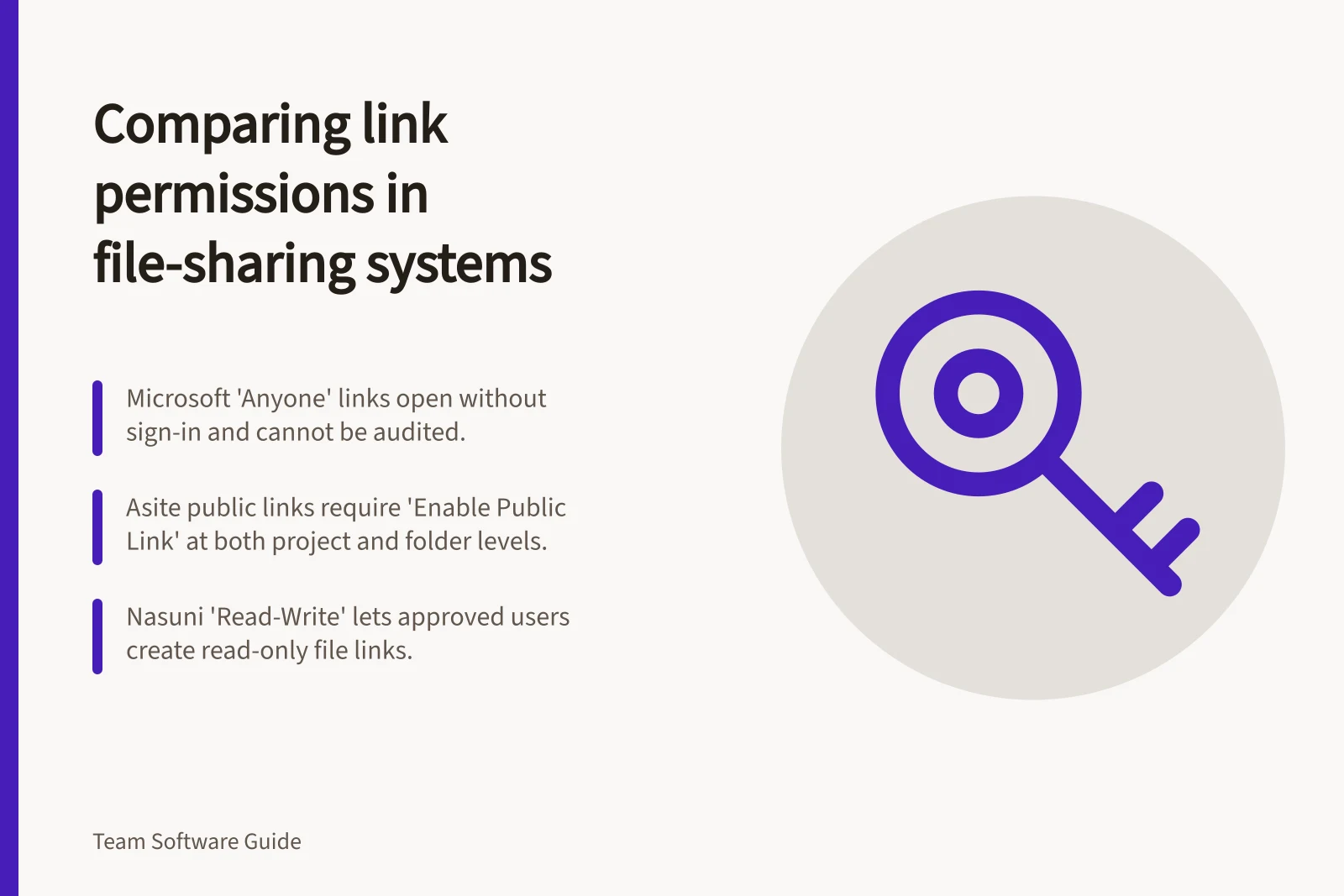
OneDrive and SharePoint offer “Anyone”, “People in your organization” and “Specific people” links. “Anyone” allows anyone with the link to open the item without authentication, and access cannot be audited. “People in your organization” works for authenticated members of the Microsoft 365 organisation, not guests; “Specific people” is the third named audience type.
In Asite, public-link sharing requires “Enable Public Link” at both the project and folder levels. The “Recipients” field accepts registered and non-registered users’ email addresses. Under “Recipients Can”, “Open & View File” opens the file in Asite File Viewer; selecting “Download File” with it adds a separate download option in the viewer. If “Open & View File” is unchecked, the file is downloaded directly.
Nasuni’s “Allow only specified Groups and Users” controls who can create shared links. Its creator-permission labels include “Deny”, “Read-Write” and “Read-Only”: “Deny” blocks link creation, while “Read-Write” allows the specified users or groups to create read-only links for files and write links for directories. These are link-creation permissions, not recipient roles.
Microsoft link types: audience and revocation
- AnyoneAnyone with the link can open the item without authentication; access cannot be audited. Transferable, revocable secret key; deleting it revokes access for everyone who used it.
- People in your organizationWorks for authenticated members of the Microsoft 365 organisation, not guests. Transferable and revocable; requires users to authenticate as members of the directory.
- Specific peopleThird named audience type.
Compare the same scenario in each tool
For a read-only file link, Nasuni’s “Read-Write” setting describes what an approved link creator can make: a read-only link for a file. Asite’s “Open & View File” and “Download File” describe recipient actions. The settings are not equivalent roles: one governs link creation, while the other governs what a recipient can do.
For audience, a Microsoft “Anyone” link can be opened by any link-holder without signing in. Asite’s described sharing flow uses a “Recipients” email field and public-link settings at the project and folder levels. The controls therefore differ: Microsoft names link audiences, while Asite names recipients and the controls that enable public links.
Check inherited and direct access
SharePoint team sites are associated with a Microsoft 365 group by default, whose owners and members get site access. Site permissions can also be managed separately through SharePoint groups, except for channel sites, so removing a link alone may not remove access granted through those routes.
Check inherited and direct access
- Check Microsoft 365 group owners and membersSharePoint team sites are associated with a Microsoft 365 group by default; owners and members get site access.
- Review SharePoint group permissionsSite permissions can also be managed separately through SharePoint groups.
- Note channel site exceptionChannel sites are an exception to separate SharePoint group management.
- Do not assume removing a link removes all accessRemoving a link alone may not remove access granted through group membership or SharePoint groups.
Make revocation part of the comparison
A Microsoft “Anyone” link is a transferable, revocable secret key; deleting it revokes access for everyone who used it. “People in your organization” links are also transferable and revocable, and require users to authenticate as members of the directory.
Nasuni administrators can list, search for and delete shared links through the Nasuni Management Console. For SharePoint and OneDrive, view-only access is not protection against downloading, copying or re-sharing, so revoking a link cannot ensure that an existing copy disappears.