Roles & Access
Part of Collaboration software permissions
Choosing guest access rules for contractors
A contractor needs access to the project’s current work, not every conversation in the organisation. Define the scope and end date before sending an invitation.
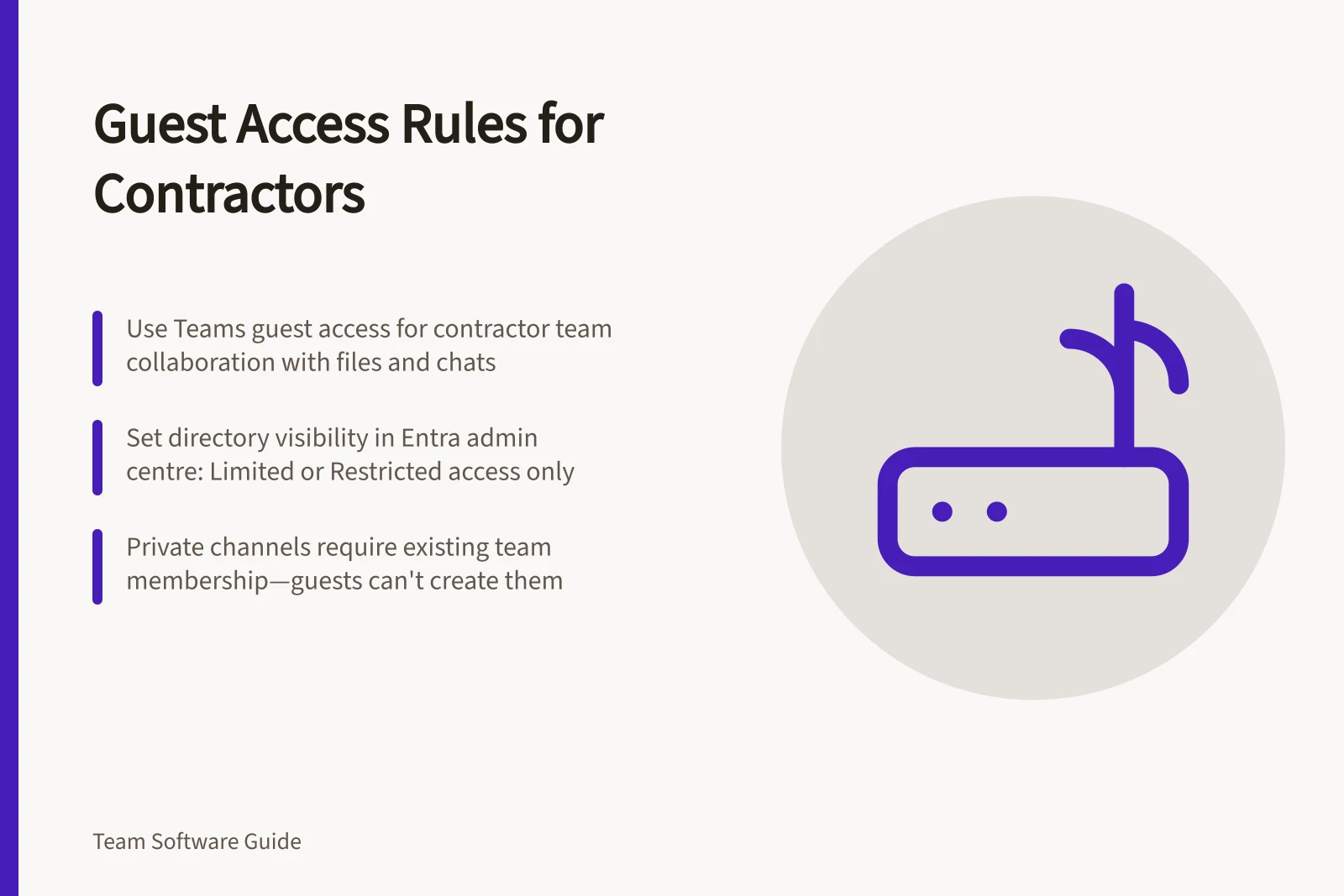
Choose the collaboration path first. Use Teams guest access when a contractor needs a team and its channels, documents, resources, chats or applications; every guest must be added to at least one team. For finding, calling, chatting or setting up meetings with people in another Microsoft 365 organisation, use external access. Shared channels are an alternative for inviting people outside your organisation without an Entra guest account.
Set the invitation boundary around the assignment: name the required team, channels, meetings and files, and the contract end date before inviting. Designate an internal project owner to approve the scope and send the invitation. Team owners can add guests in Teams, and Teams administrators can add them in the Teams admin centre.
Choose directory visibility separately in the Microsoft Entra admin centre: select Entra ID > External Identities > External collaboration settings. Same as member users gives guests the same access to Entra resources; Limited access (default) lets them see membership of non-hidden groups; Restricted access limits them to their own profile and prevents them seeing group memberships. Select the level that matches the contractor’s need to see directory information; do not use it as a substitute for assigning only the required Teams team.
For a private channel, a guest must already belong to the team to be added, guests cannot create private channels, and only channel owners and members can access the channel.
A contractor does not need a Microsoft Teams licence for guest access. Before work starts, test the guest account against the task list: check that it can reach the required team, files, meetings, resources and applications, and include mobile or search views if they are part of the workflow.
Set a review date alongside the contract end date and ask the project owner to confirm access is no longer needed. At close-out, a guest can leave the team, but leaving does not remove their account from your organisation’s directory; have a Microsoft Entra administrator remove the guest account.
Directory visibility options for guest users in Microsoft Entra ID
- Same as member users
- Guests see all directory information, including group memberships.
- Limited access (default)
- Guests can see membership of non-hidden groups only.
- Restricted access
- Guests see only their own profile; no group memberships.
Key facts about contractor guest access in Teams
- No licence requiredContractors do not need a Microsoft Teams licence for guest access.
- Private channel accessGuests cannot create private channels; must already be in the team.
- Account removalLeaving a team does not delete the guest account; must be removed by Entra administrator.