Knowledge & Wikis
Part of Team knowledge and wiki software
Structuring knowledge around questions employees ask
Turn recurring employee questions into clear knowledge pages with task-based titles, direct answers, useful exceptions and a retrieval check.
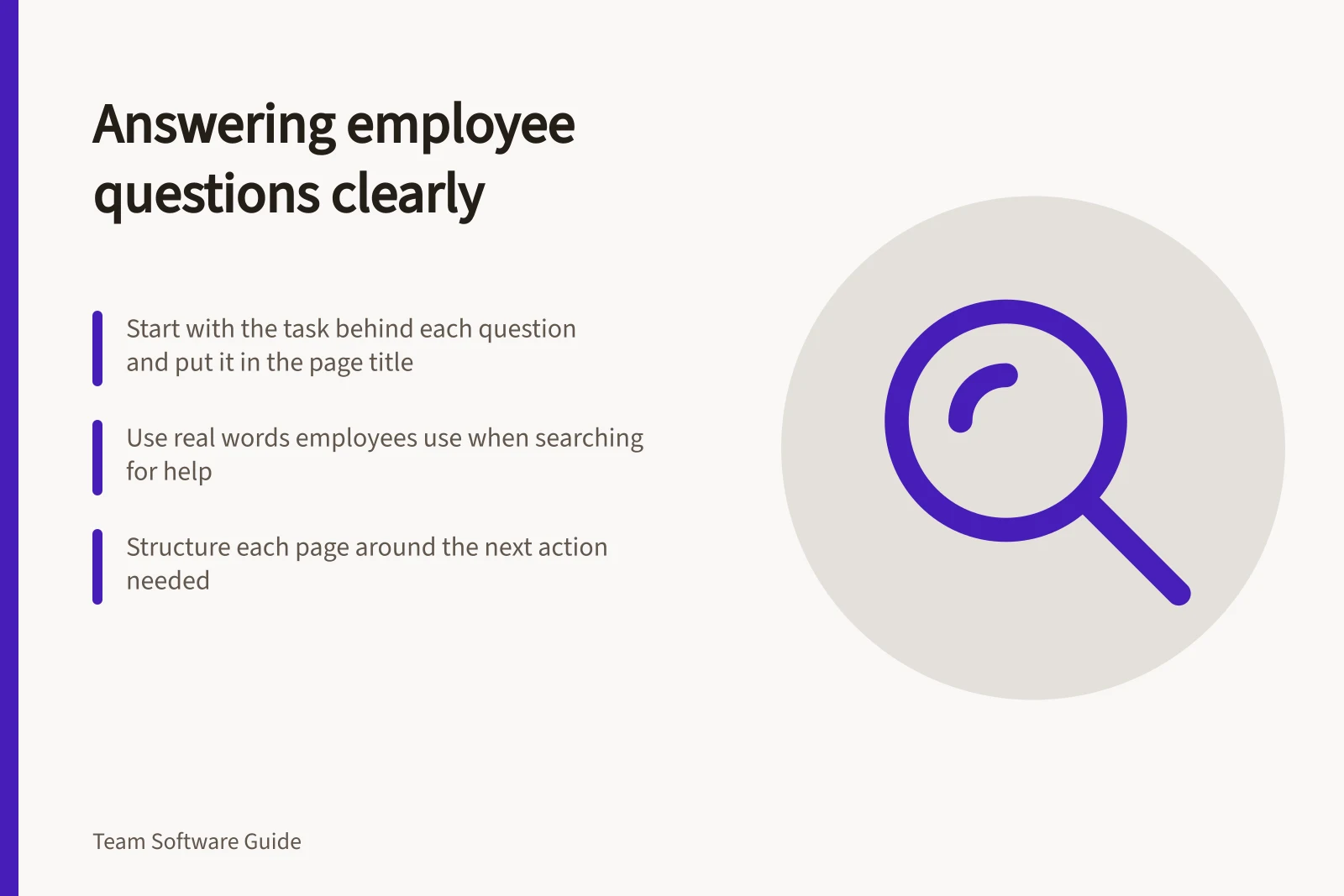
Begin with the task behind an employee's question. Put that task in a recognisable page title and answer it near the top. Subject areas can aid browsing, but colleagues should not need to know which department wrote an instruction to find it.
Collect questions before naming sections
Ask people who handle routine queries to note the words colleagues use. Where the organisation can access them, review existing help requests, onboarding notes and search terms. Record the question, who asks it, the action needed and where the current answer lives. Strip personal or sensitive details from examples.
Separate similar questions that lead to different actions. “How do I request equipment?” and “How do I return equipment?” may share a subject area, but they need different instructions.
Several wordings for the same task may belong on one page. A separate page for every phrase creates competing answers.
Shape a page around the next action
For a procedure, answer the questions a reader needs to act on:
- What should I do?Give the normal route first.
- Does this apply to me?Name the audience and important conditions.
- What do I need?List required information, forms or access.
- What happens next?Name the receiving team and follow-up route.
- What if my case differs?Explain the exception or contact route.
Name an owner and use a review status the team can maintain. Omit any field that adds no useful information for that task. A short answer can still be complete.
Make titles and navigation work together
“Request a replacement laptop” says what the page helps someone do. “Equipment” may work as a landing page that routes readers to specific answers. Use headings inside a procedure for decisions a reader may need to scan, such as eligibility, steps and exceptions.
Search controls differ by product. Notion search can help find a specific page or content on a page. Confluence Cloud advanced search offers a Search titles only filter.
These controls strengthen the case for putting the task in the title and the answer in the page body, not leaving it only in a comment.
Search controls in Notion vs Confluence Cloud
- Notion Search
- Finds specific pages or content within a page
- Confluence Cloud Advanced Search
- Offers 'Search titles only' filter
Check with the words readers use
Give someone outside the authoring team a safe question without telling them the page name. Ask what they would search for, which result they would open and whether the page makes the next action clear.
If they reach a broad section, check that it directs them to the specific answer. If they find two plausible instructions, settle which is authoritative and correct the other.
Keep a short list of questions that led nowhere or needed a private explanation. Each may call for a better title, a clearer opening answer or a missing page.
Best practices from government content standards
- Use plain language
- As per Gov.uk writing standards
- Test with non-team users
- Check search terms and clarity
- Fix conflicting answers
- Ensure one authoritative page per task