Meetings
Part of Choosing collaboration software for a team
Evaluating collaboration software with a small pilot group
Run a small collaboration software pilot with representative users, safe tasks, recorded plan settings and clear decision rules.
A small pilot shows whether people complete an important workflow under the plan and settings the team intends to use. Give representative users the same safe task in each candidate setup, watch the handoffs and judge the result against requirements set beforehand. An easy sign-in says little about the full workflow.
Choose people by their role in the work
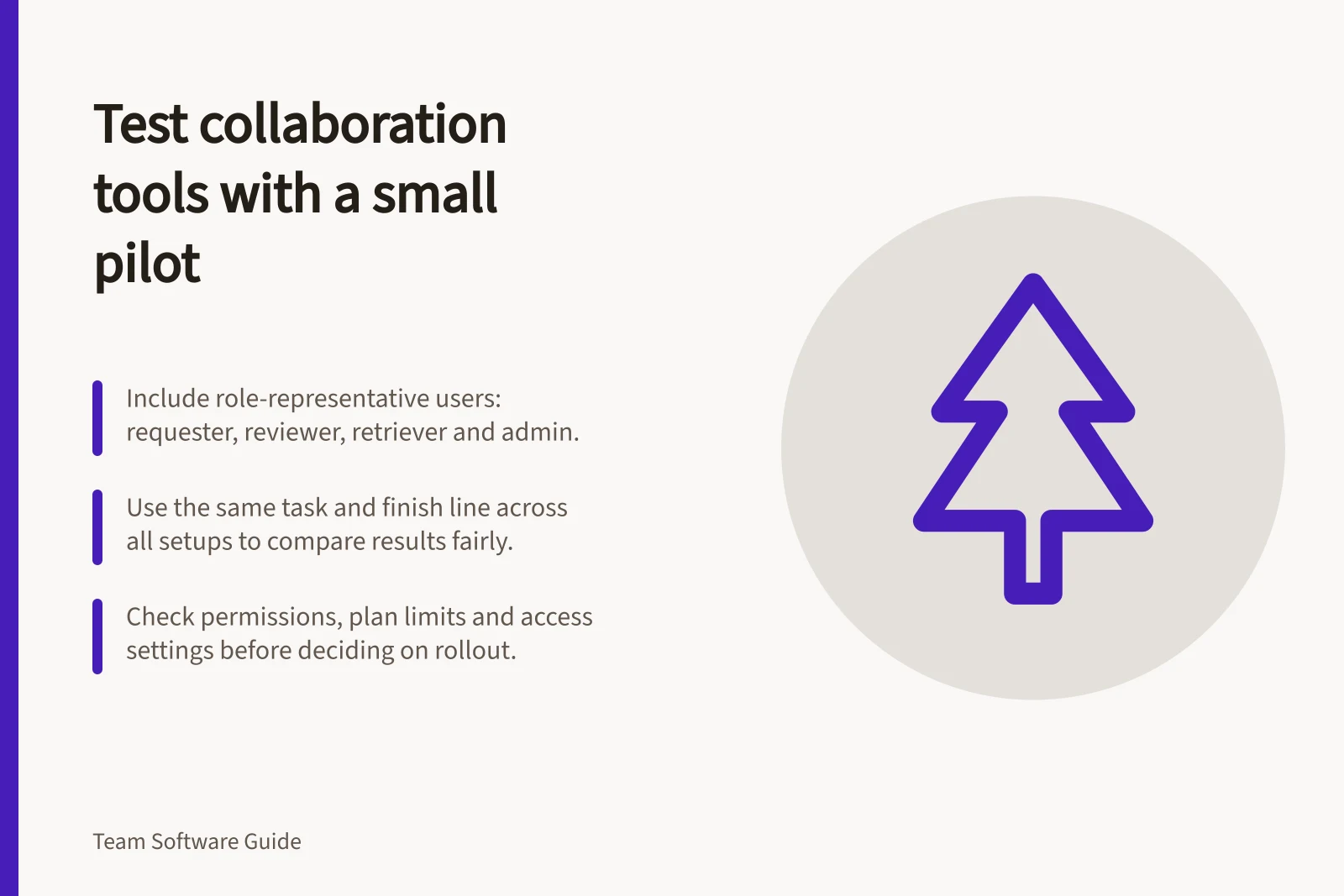
Include someone who starts requests, someone who edits or reviews, a colleague who must retrieve an outcome later and an administrator who can explain settings. If external partners are part of normal work, include an appropriate external account and safe sample material.
Keep the group small enough to follow individual journeys while covering account types and devices that could affect the result. Record the plan or trial edition, relevant administrator settings and any assistance participants receive.
Give each setup a clear finish line
Prepare a short brief and sample document. Ask participants to:
- Receive a request in the intended team space and identify its owner.
- Find the working document, make or suggest a change and request review.
- Give an external reviewer access to the needed work, if that is a real use case.
- Record the agreed outcome and next action after any necessary discussion.
- Return later as someone who missed the discussion and find the current decision and file.
- Remove the reviewer’s access and check the result using that account.
Use the same starting information and finish line across candidates. If someone needs help with a step, record that help rather than treating the step as effortless.
Check the intended plan and permissions
Access deserves its own scenario. Microsoft says a Teams administrator must enable guest access before guests can join a team, and an invited guest must accept the invitation before accessing it.
For shared files, check which actions the pilot account can perform and whether access depends on account settings, then record what it can actually do.
Plan limits can change the meaning of a short trial. If recording or another feature matters, check whether it is available and enabled on the intended plan and account rather than inferring long-term fit from a brief demonstration.
A short pilot cannot establish a year of retrieval, a large deployment or reliability under conditions it did not encounter. Seek separate evidence for those questions.
Feature Availability Across Free Plans: Microsoft Teams, Slack & Zoom
- Guest Access (External Collaboration)Available in Microsoft Teams (admin-enabled), limited in Slack free plan, not available in Zoom free plan
- File Sharing & EditingFull access via OneDrive/SharePoint in Teams, Google Drive integration in Slack and Zoom, but restricted in free tiers
Record observations and decide
For each task, note completion, pauses, help needed, permission surprises and whether another person could find the final record. Keep participant comments, administrator explanations and observed behaviour in separate fields.
Use a review sheet with requirement, observed result, relevant limitation or setting, and next action. Decide in advance which requirements are essential. If an essential step remains uncertain, repeat that step under the intended settings or request precise vendor evidence.
Conclude only which workflows worked for the tested users, plans and settings, which needed help and which remain untested. Assign an owner to each open question. If a candidate meets the essentials, plan a staged rollout and a later check against normal work. Keep the pilot record with the software decision.