Chat & Messaging
Part of Choosing collaboration software for a team
Chat, documents and meetings: identifying the actual collaboration gap
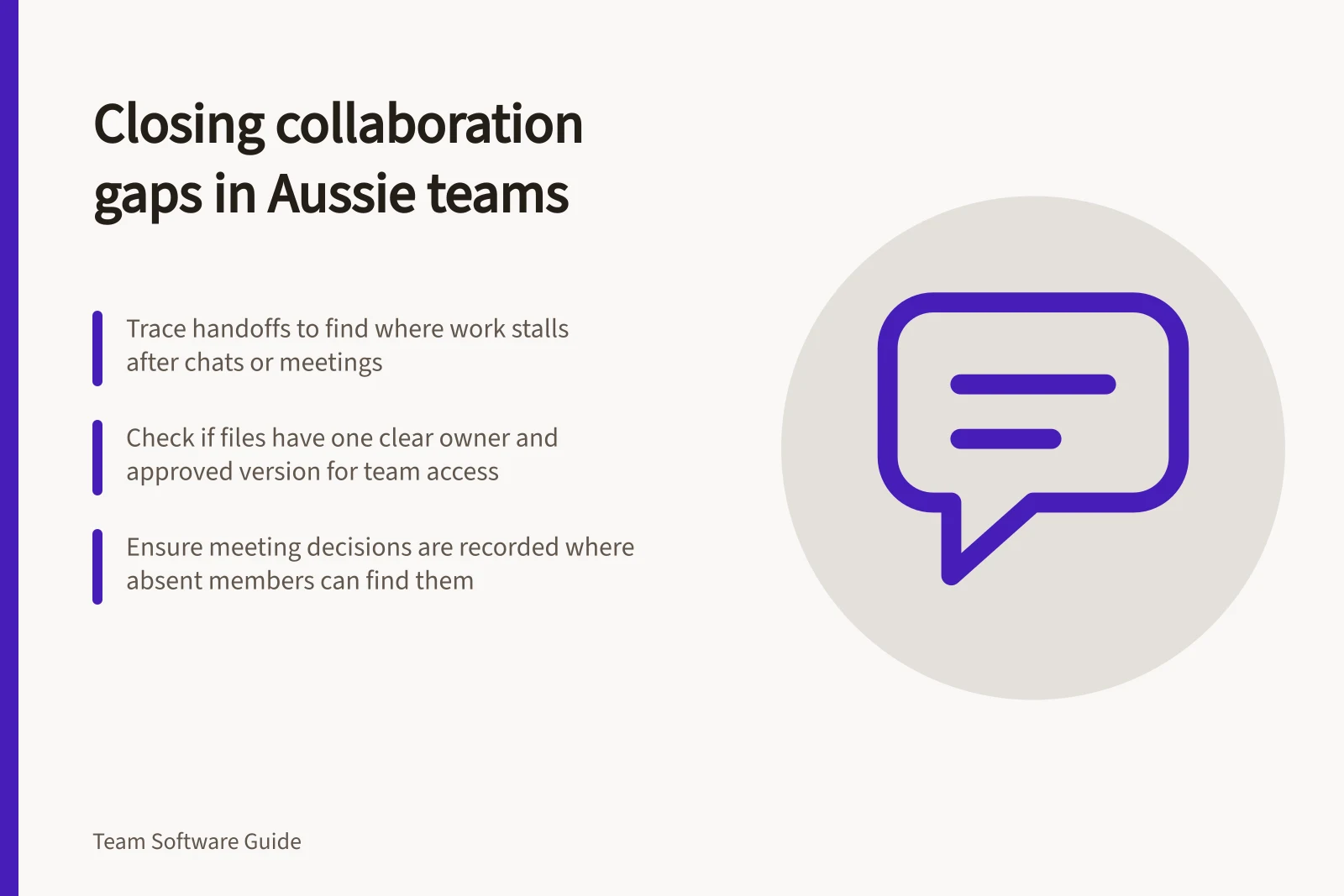
Trace a real handoff to see whether the team needs better chat, document access, a decision record or a clearer way of working.
To identify a collaboration gap, examine what happens after a message, document edit or meeting ends. If people cannot find the current work or tell who will act, another chat or video tool may leave the failure untouched. Trace a real handoff and name the missing action before comparing products.
Follow one piece of work
Choose a recent task involving at least two people. Ask participants to reconstruct it from records they can access. Where did the request begin? Which file was edited? How was feedback given? If a meeting settled an issue, where could an absent colleague find the decision?
Record the point where the next person needed a private explanation. Repeat the exercise with an external handoff if that is common. Use safe material when checking access.
Match the symptom to the gap
| What people experience | What to check |
|---|---|
| A request disappears in conversation | Is there a clear owner and a place to track the resulting work? |
| Several files look current | Is there one working copy and an agreed approval state? |
| A meeting settles an issue but the question returns | Was the decision written where absent colleagues would look? |
| A recipient cannot open the discussed document | Do the file’s permissions match the intended audience? |
| People join another call to locate an answer | Could they retrieve it from a maintained record? |
These are diagnostic prompts, not proof of a particular cause. Ask people to show the route before deciding whether the problem is a missing capability, an unclear convention or a permission setting.
Check where the conversation meets the file
A conversation containing a file does not necessarily determine the file’s long-term home. Microsoft says files uploaded to a Teams channel are stored in the team’s SharePoint folder. Files uploaded in chat sit in the sender’s OneDrive for Business and are shared with that conversation. Check which route the team uses when a file must remain findable beyond a private exchange.
For files shared from Google Drive, confirm the intended audience has the access level the task requires. A meeting invitation or chat mention does not establish the file permission they need.
Ask someone who did not create the file to find the working copy and identify who approves it. If they cannot, clarify the ownership rule before changing software.
Where files are stored in Microsoft Teams vs. chat
- File uploaded to a Teams channel
- Stored in the team’s SharePoint folder
- File shared in a private chat
- Saved in the sender’s OneDrive for Business
- File shared via Google Drive
- Access depends on explicit permissions, not just mentions
Key facts about file storage in Microsoft 365
- Team files in SharePointYes – files uploaded to channels are stored in the team’s SharePoint site
- Chat files in OneDriveYes – files shared in chat are stored in the sender’s OneDrive for Business
- Data isolation in Microsoft 365Compliant with Australian regulatory standards (e.g., ATO, Privacy Act)
Name an outcome and try the smallest useful change
Turn an observed gap into a visible result. For example: “After the client review, the approved wording and owner appear in the project record.” Another result: “A new team member can find the current draft from the project space.” If existing tools can support the result, try a clearer decision record, file convention or sharing rule.
If the result still cannot be achieved, it becomes a specific requirement for software selection. Record the attempted change and the remaining obstacle.