Chat & Messaging
Part of Collaboration software for distributed teams
Choosing collaboration tools for field and office staff
Select field-and-office tools by checking the full job round trip, mobile access, offline limits and the office's review route.
Compare Google Workspace, Lark and Microsoft 365 against a field job from office assignment to office review. Check what workers can access while disconnected, how they record and return an update, and where the office reviews the current job record.
Start with the field task
List what the field worker must do: read a procedure, capture a photo, change a status, enter structured answers or ask the office for a decision. Identify what the office needs back and when. A shared document may handle a written report; a recurring inspection with required fields may need a dedicated workflow. Decide where the authoritative job record lives.
Include the hard conditions: a phone used outdoors, interrupted connectivity, a handover to another worker and an attachment the office must review. Check the account the worker uses and whether files can be prepared before leaving coverage.
Compare existing-workspace routes
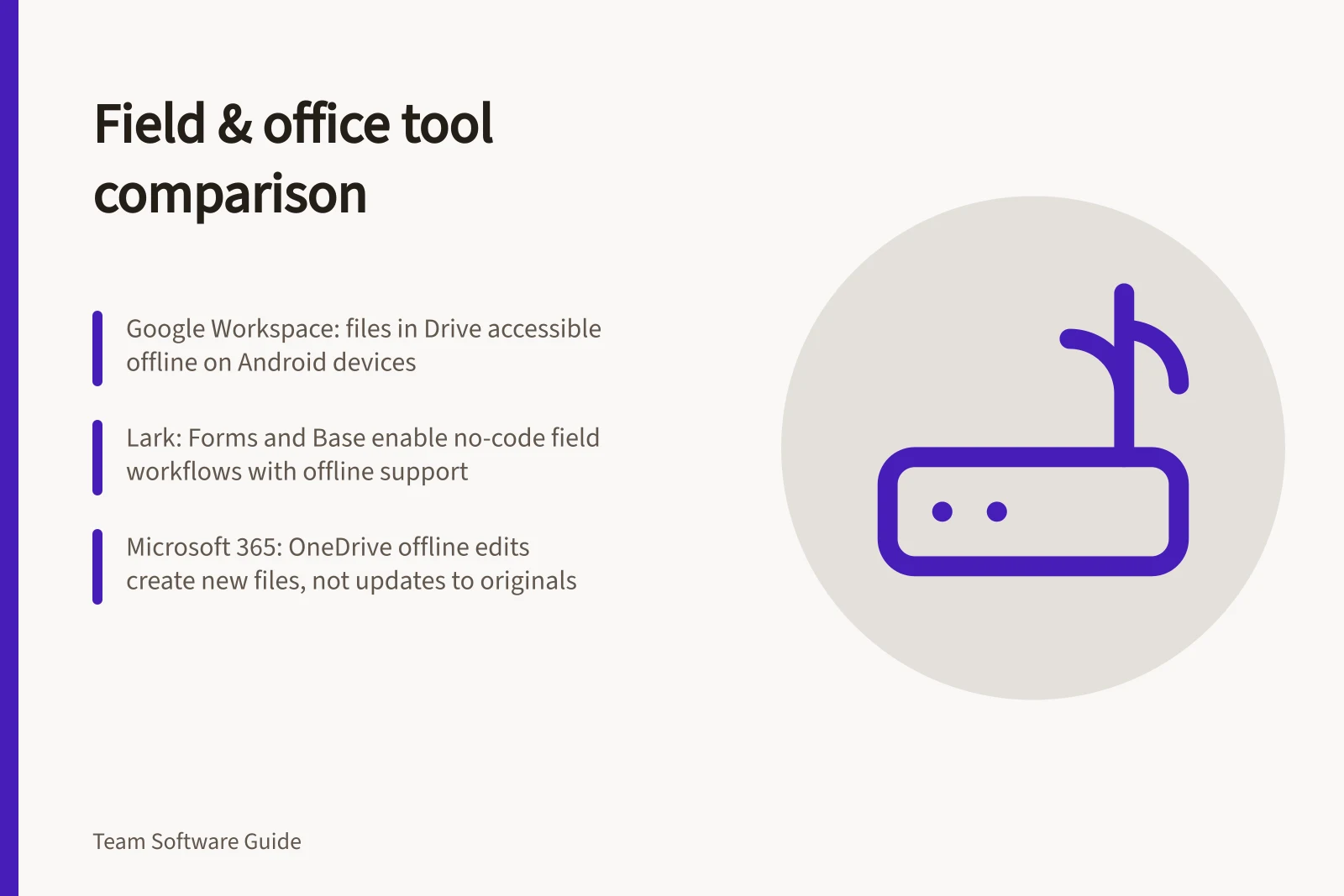
Google Workspace with Drive, Docs and Sheets. Consider this route when work centres on instructions and files already maintained in Drive. Test the required files and field actions on the Android device before departure, then check how returned edits and evidence appear to the office.
Lark with Messenger, Forms and Base. Lark describes Messenger as team chat, Forms as a way to collect input and feedback, and Base as a no-code way to build workflows and dashboards. Test whether Forms or Base suits the required field capture, and verify the disconnected-work and return steps on the field device.
Microsoft 365 with Teams, SharePoint and OneDrive. Consider this route when the office already works with Teams channels and SharePoint files. Teams channel uploads are stored in the team's SharePoint folder; chat uploads are stored in the sender's OneDrive for Business and shared only with people in that conversation. Agree where job material belongs.
In OneDrive for Android, files marked offline are read-only. An offline edit saves as a new file rather than changing the original OneDrive file, so check an approved editing route if the worker must update the same source while disconnected. If the process uses Microsoft Lists, its Android and iOS apps were retired in November 2025; mobile users can use the browser version.
Choose Google Workspace when the job already centres on Drive and the device trial confirms the required field actions and return route. Consider Lark when its chat, input collection or workflow features fit the job and a field trial confirms disconnected access and return behaviour. Microsoft 365 has a defined Teams-to-SharePoint channel-file route; for disconnected OneDrive work, allow for the new-file outcome rather than assuming the original changes.
Check the round trip
With safe sample work, have the office assign a task and make the required material available. Use the field device in a representative disconnected state. Check whether the worker can find the instruction, record the result and tell what remains unsent. After reconnecting, check what the office receives, whether the original changed or a new copy appeared, and whether both people can identify the current state.
Set a failure route as well. If the worker cannot open an instruction or send evidence, who can be contacted, what should be recorded locally and who reconciles it later? Choose the setup when the field action, return step and office review each have a clear route and owner.