Chat & Messaging
Part of Team chat and messaging systems
Organising channels so important messages can be found
Give team channels clear purposes, names and audiences, then check whether colleagues can find important messages.
Organise channels around the questions colleagues will ask later — for example, “Where is the update for this project?” Give each channel a clear purpose, a recognisable name and an owner. Check that someone who missed the conversation can still find the message.
Key facts about channel management in collaboration tools
- Slack public channels
- Microsoft Teams private channels
- Google Chat shared spaces
- Search effectiveness depends on access rights
Give each channel a job
Start with the conversations already happening. Split recurring project work, team announcements and temporary coordination when they need different audiences or retrieval paths. Too many plausible homes leave colleagues guessing where a message was posted.
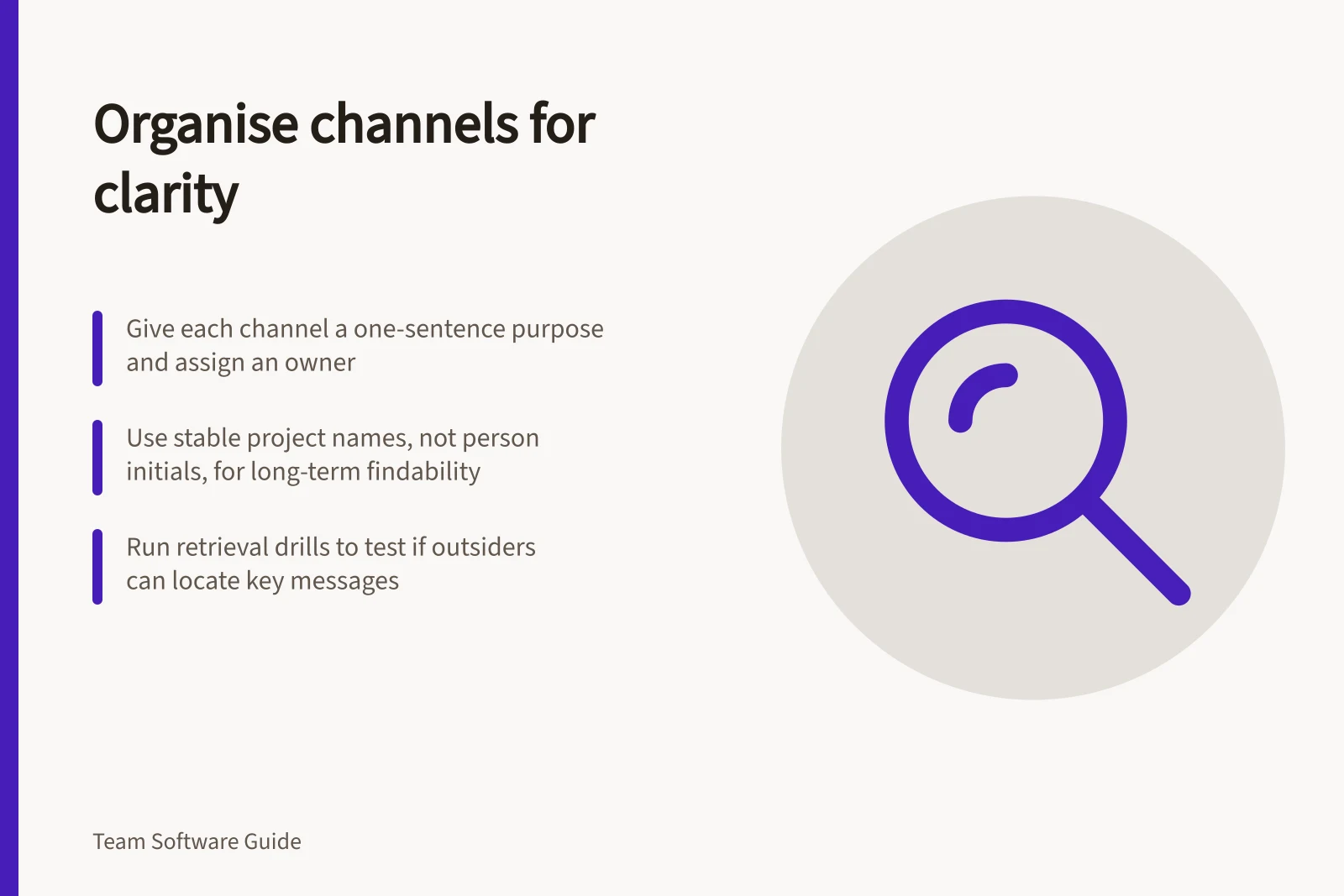
Write a one-sentence purpose in the channel description or space guidance: what belongs there and where approved outcomes are recorded. For example: “Use this space for the office move; post changes here and record approved dates in the project record.”
Choose names that still make sense when the project lead changes. A stable project name or code gives more context than a person’s initials or “miscellaneous”. Assign someone to review or archive the space when the work ends.
Key steps to organise channels for better message retrieval
- Define a clear one-sentence purpose for each channel
- Use stable, descriptive names (avoid person initials or 'miscellaneous')
- Assign an owner responsible for review or archiving when work ends
- Set appropriate audience (public, private, shared) based on need
- Write messages with context in the first line
Make the audience part of the structure
A channel name does not establish who can read it. In Microsoft Teams, standard channels are available to all team members and anything posted there is searchable by others, while private channels require an invitation.
Set the audience before moving a restricted discussion. Check with the intended account, because an owner’s view may differ from an ordinary member’s.
Channel access and visibility across platforms
- Microsoft Teams - Standard Channel
- Microsoft Teams - Private Channel
- Slack - Public Channel
- Slack - Private Channel
- Google Chat - Shared Space
Write messages for later retrieval
Put the project or issue in the opening line and state the action or question. “Supplier handover: revised contact ready for review” gives more context than “Updated this.” Keep related replies under the original message where threads are available; start a new message when the subject changes.
Search can help you find a message, but results depend on what that user can access.
Run a retrieval drill
Choose a safe, recent project message. Ask someone outside the original exchange to find it using the project name and a few words from the issue. Note what they search for, where they look first and whether the result gives enough context to act.
If they look in the wrong channel, improve its name or purpose. If they find competing answers, confirm the current outcome in the team’s maintained record. If access prevents retrieval, ask the space owner to check the audience. Repeat the drill after changing the structure.
How to run a retrieval drill to test channel effectiveness
- Select a recent, safe project message
- Ask someone outside the original conversation to find it
- Observe search behaviour
- Evaluate results
- Improve structure if needed
- Repeat after changes