Chat & Messaging
Part of Collaboration software adoption
Moving a team from private messages to shared channels
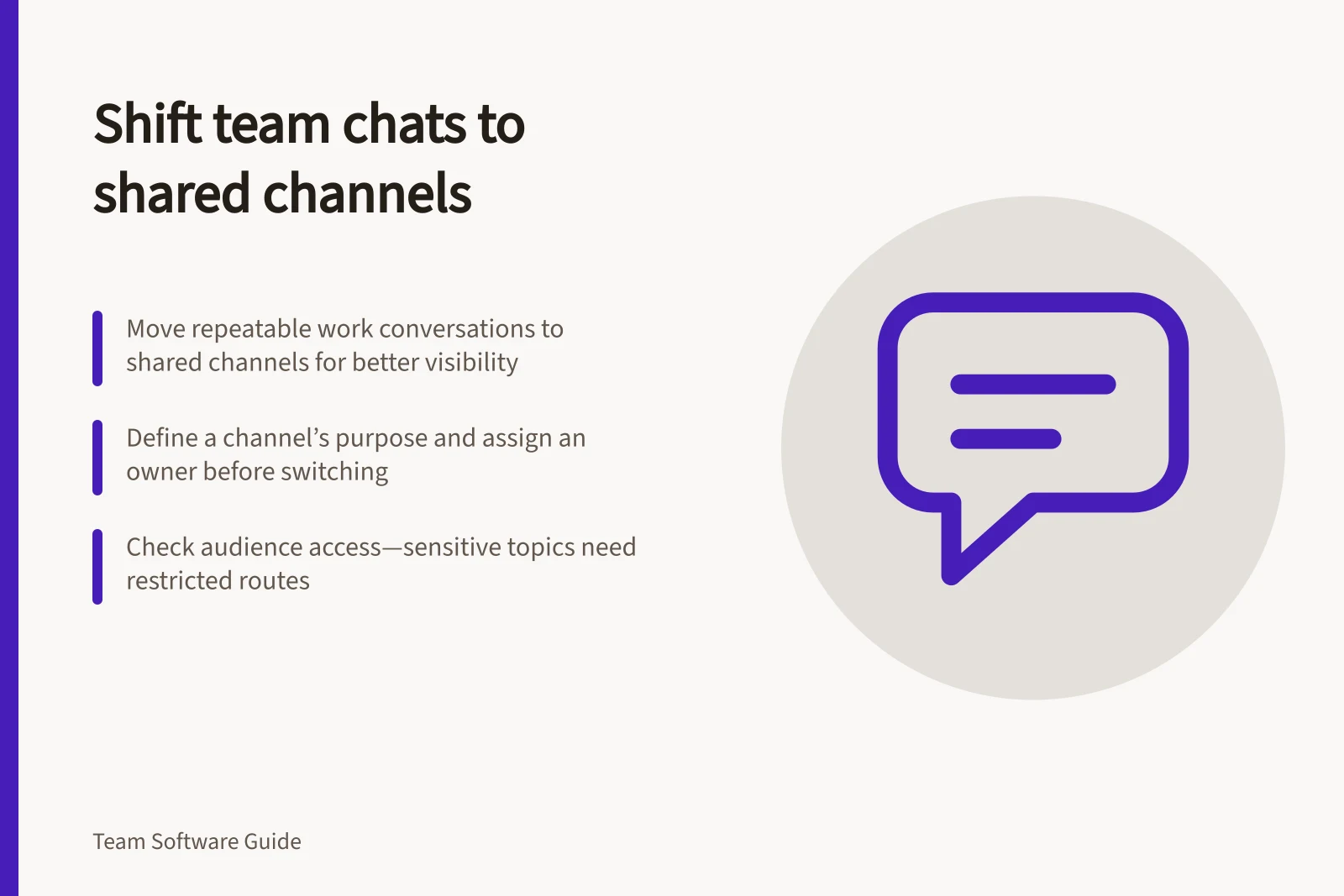
Move suitable project conversations into shared channels with a clear audience, posting rule and handoff check.
Move a recurring work conversation into a shared channel when the people responsible need to see its questions and answers. Choose the audience and one category of work first, then tell colleagues when to post there. Keep personal and restricted matters in an appropriate private route.
Decide what will move
Review private exchanges that delayed a handoff: an update sent to one colleague, a question answered separately for several people or an outcome the next person could not find. Pick a repeatable category, such as questions about an active project. Define the channel’s purpose in one sentence and name an owner.
Do not copy an entire message history into a wider space by default. Earlier messages may contain personal information or unfinished suggestions. If an old exchange contains a decision people still need, confirm its current wording with the decision owner and put the outcome in the team’s maintained record.
Check the audience
A shared channel changes who can read a message. Another workspace may have different membership and sharing rules, so check the intended audience before posting work there.
Ask who needs to contribute, who may need the answer later and who should not see it. A project discussion may suit a channel visible to the project team. Individual feedback or a personnel matter needs an appropriately restricted route.
| Message | Suggested route |
|---|---|
| A question several project members may answer or need later | The agreed project channel. |
| A one-person scheduling matter | A direct message. |
| Sensitive individual information | An approved restricted route. |
| A confirmed decision | The maintained project or policy record, with a channel notice if useful. |
These are team conventions, not automatic product rules.
Help people use the new route
Announce when the rule starts and show a model post: name the project, state the question or update, identify who needs to act and point to the working record.
When a project question arrives privately, invite the sender to post the work question in the channel. Check its contents before moving or quoting it to a wider audience.
The channel owner should redirect misplaced posts and point people to the maintained record when an outcome needs to remain current. If questions keep returning to direct messages, ask whether the channel’s audience, purpose or response expectations are unclear.
Check the handoff
After the route has been used in normal work, ask a colleague who missed a safe project discussion to find the relevant exchange, identify the current answer and open the related work.
Ask contributors whether the audience was appropriate. Adjust the rule if either check fails.
Retrieval also depends on the history available to that user under the workspace’s plan and settings.
Key considerations for effective channel migration
- Audience checkEnsure only relevant people can access the conversation.
- Handoff success rateTest whether someone who missed the discussion can find and understand the outcome.
- Record accuracyConfirm that decisions are correctly documented in the maintained record.
- User feedbackAsk contributors if the audience and expectations were appropriate.