Roles & Access
Assigning ownership to an internal knowledge page
Define what a knowledge-page owner must maintain, separate editing from approval and transfer responsibility when roles change.

Archive
Roles & Access
Define what a knowledge-page owner must maintain, separate editing from approval and transfer responsibility when roles change.
Chat & Messaging
Organise asynchronous collaboration with clear requests, accessible outcomes, agreed response expectations and a route to live discussion.
Meetings
Turn a whiteboard workshop into a clear decision record with agreed choices, owners, actions and open questions.
Chat & Messaging
Trace a real handoff to see whether the team needs better chat, document access, a decision record or a clearer way of working.
Meetings
Locate Teams, Google Meet and Zoom recordings, then check file ownership, viewer access and handover risks.
Meetings
Compare audio-first controls, reduced video and phone fallbacks in Teams, Google Meet and Zoom for participants with limited bandwidth.
Chat & Messaging
Compare Miro, FigJam and Microsoft Whiteboard against guest access, facilitation controls, plan limits and post-workshop access.
Shared Documents
Choose team collaboration software by tracing real work, setting essential requirements and checking complete workflows before rollout.
Chat & Messaging
Select field-and-office tools by checking the full job round trip, mobile access, offline limits and the office's review route.
Roles & Access
A contractor needs access to the project’s current work, not every conversation in the organisation. Define the scope and end date before sending an invitation.
Chat & Messaging
Compare guest and shared-channel routes in Slack, Teams and Google Chat, including account, administrator and removal limits.
Knowledge & Wikis
Choose an accessible home for a team decision and record its wording, decision maker, reason, start point and follow-up.
Tool Overload
Map collaboration records, check retention and access controls, and plan recovery and disposal across conversations, files and recordings.
Tool Overload
Plan collaboration software adoption around a real workflow, train people on the agreed route and check whether handoffs improve.
Tool Overload
Budget collaboration software across paid seats, contract terms, external access, storage and operating work, then compare full-period costs.
Tool Overload
Choose collaboration software around cross-shift handovers, time zones, languages and field access. Compare what the next person must complete.
Roles & Access
Collaboration tools make work visible, but the wrong role can expose a conversation, let someone change settings or leave a contractor with access after a project …
Shared Documents
Choose a collaborative document workflow by checking drafting, review, approval and recovery in the configuration your team will use.
Knowledge & Wikis
Learn when a collaborative whiteboard helps, how to organise participation and how to turn the session into a usable outcome.
Knowledge & Wikis
Decide whether a team needs maintained wiki answers, a shared document folder or both, using a practical retrieval and update check.
Tool Overload
Compare workspace suites with separate collaboration tools using real handoffs, provider plan limits and the work needed to maintain each setup.
Roles & Access
Compare sharing links by who can open them, what the recipient can do and how access is revoked.
Meetings
Check how employees and external guests join Teams, Google Meet and Zoom meetings under the settings you intend to use.
Shared Documents
Decide when contributors should edit together and when reviewers should propose changes for an owner to approve.
Meetings
Compare Outlook and Google Calendar for local-time display, shared availability, working hours and booking pages across time zones.
Chat & Messaging
Design chat alerts around action, source filtering, routing and ownership so responders can find what matters without repeat posts.
Shared Documents
Plan a careful cutover for duplicate chat and document spaces, including current work, file access, archives and verification.
Roles & Access
Assign a primary route to each team communication purpose, define where outcomes live and make exceptions clear.
Shared Documents
Build a handover the next shift can act on: current state, impact, work done, next action, owner and escalation route.
Shared Documents
Design shared folders around the tasks people perform and the access each task needs.
Meetings
Run a small collaboration software pilot with representative users, safe tasks, recorded plan settings and clear decision rules.
Meetings
Compare live captions, saved captions, transcripts and recording limits in Teams, Google Meet and Zoom.
Knowledge & Wikis
Assess multilingual team search with real questions, scripts, file types and permissions. Compare documented limits in Confluence, Notion and Drive.
Shared Documents
Plan account-closure exports across chat, files and knowledge tools, then verify scope and protect the copies.
Shared Documents
File sharing works when the team knows where the working copy lives, who may change it and how access ends.
Knowledge & Wikis
Use change signals, owner checks and a clear correction or retirement decision to find outdated internal guidance before colleagues act on it.
Chat & Messaging
Handle resistance by examining blocked tasks, assigning fixes and telling staff what changed in the communication workflow.
Roles & Access
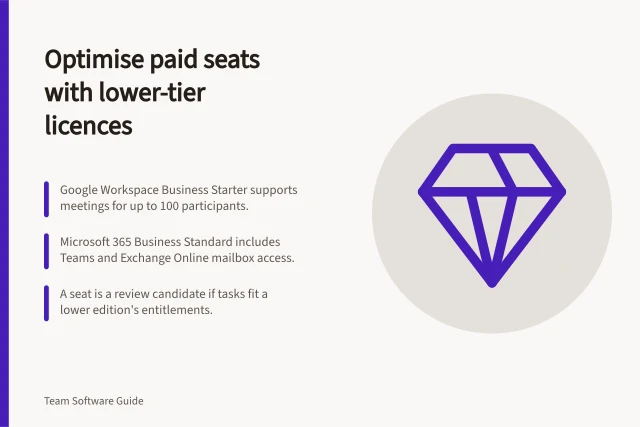
Audit premium collaboration seats by required task, licence rights and contract timing before counting a downgrade as a saving.
Meetings
Plan access, narration, accessible board content and contribution routes so remote participants can take part in a visual workshop.
Roles & Access
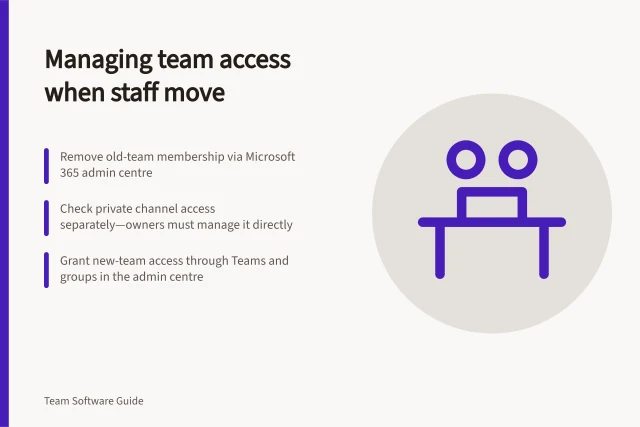
A team transfer can leave old access behind while new access is added. Handle it as two linked changes: remove membership that no longer fits, then grant the new …
Chat & Messaging
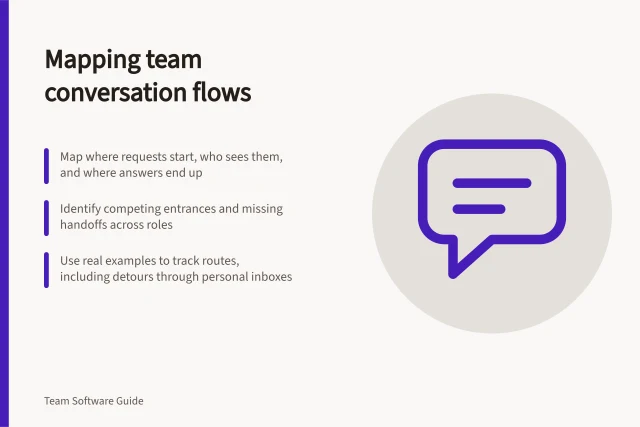
Build a practical map of requests, discussions and outcomes across the places your team uses, then identify competing routes.
Tool Overload
Define duplicate work, compare work items before and after rollout, and keep product usage separate from business outcomes.
Meetings
Compare meeting tools by joining access, participation, captions, recording and weak-connection options before choosing a plan.
Chat & Messaging
Move suitable project conversations into shared channels with a clear audience, posting rule and handoff check.
Knowledge & Wikis
Define what team knowledge must be recoverable, inspect export limits and check a safe recovery route.
Shared Documents
Set up clear starting instructions, ordered activities and readable labels so workshop participants can find their way around a whiteboard.
Shared Documents
Prevent duplicate files by naming one authoritative working copy and making its owner easy to find.
Tool Overload
Map competing work routes, assign a clear home to each purpose, consolidate carefully and check whether another tool would help.
Tool Overload
Retire stale chat integrations by checking dependencies, removing the right authorisations and verifying that messages and access have stopped.
Meetings
Turn a reporting meeting into a written update with clear progress, blockers, owners, deadlines and a route for decisions.
Roles & Access
Review external folder access by listing who can reach each area, why they still need it and every route by which access was granted.
Chat & Messaging
Check effective retention rules for channels, direct messages and external conversations across Slack, Teams and Google Chat.
Tool Overload
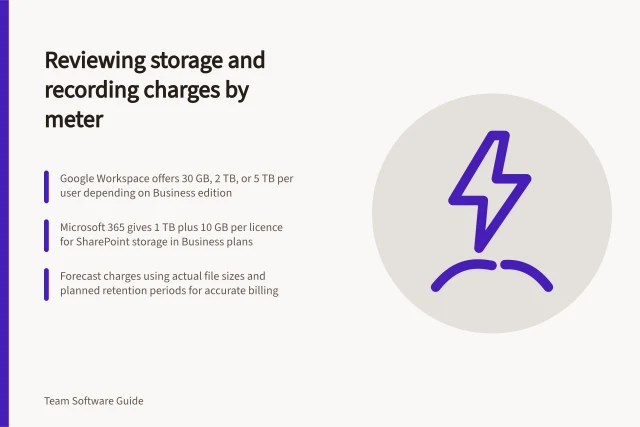
Separate pooled storage, shared-site capacity and cloud recordings, then forecast usage and confirm the applicable add-on or overage price.
Roles & Access
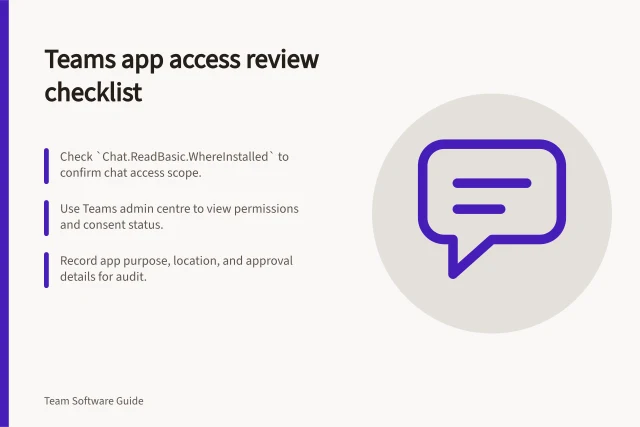
Inspect an installed chat app’s scopes, consent and space access, then decide whether each permission still fits its purpose.
Tool Overload
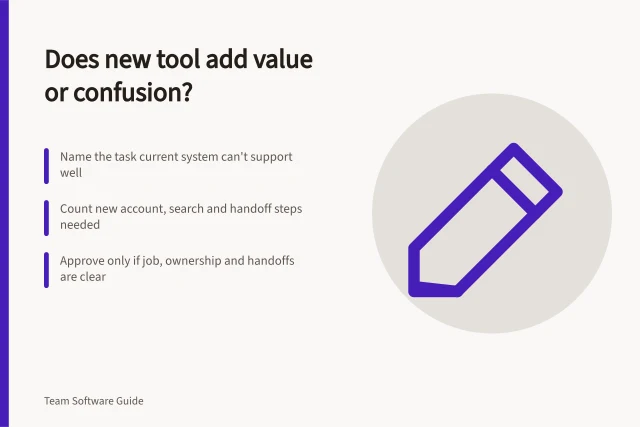
Assess a proposed collaboration tool against a specific task, its new handoffs, plan limits and the route it would replace.
Chat & Messaging
Agree when messages are read, how to set reply deadlines across working hours and which monitored route handles urgent work.
Knowledge & Wikis
Turn recurring employee questions into clear knowledge pages with task-based titles, direct answers, useful exceptions and a retrieval check.
Chat & Messaging
Compare team messaging systems by channel audience, threads, search and access. See where Slack, Microsoft Teams and Google Chat may fit.
Chat & Messaging
Plan team chat integrations around useful alerts, decision handoffs, app access and retirement, with practical limits for Slack, Teams and Google Chat.
Knowledge & Wikis
Compare Confluence, Notion and SharePoint for team knowledge, then check findability, ownership, access and review before choosing a wiki.
Shared Documents
Track proposals, comments, direct edits and approval separately so a multi-author document remains understandable.
Roles & Access
Teach document sharing through realistic view, comment and edit tasks, including inherited access and removal.
Chat & Messaging
Confirm a chat decision, capture its rationale and approver, then move follow-up actions into a maintained task system.